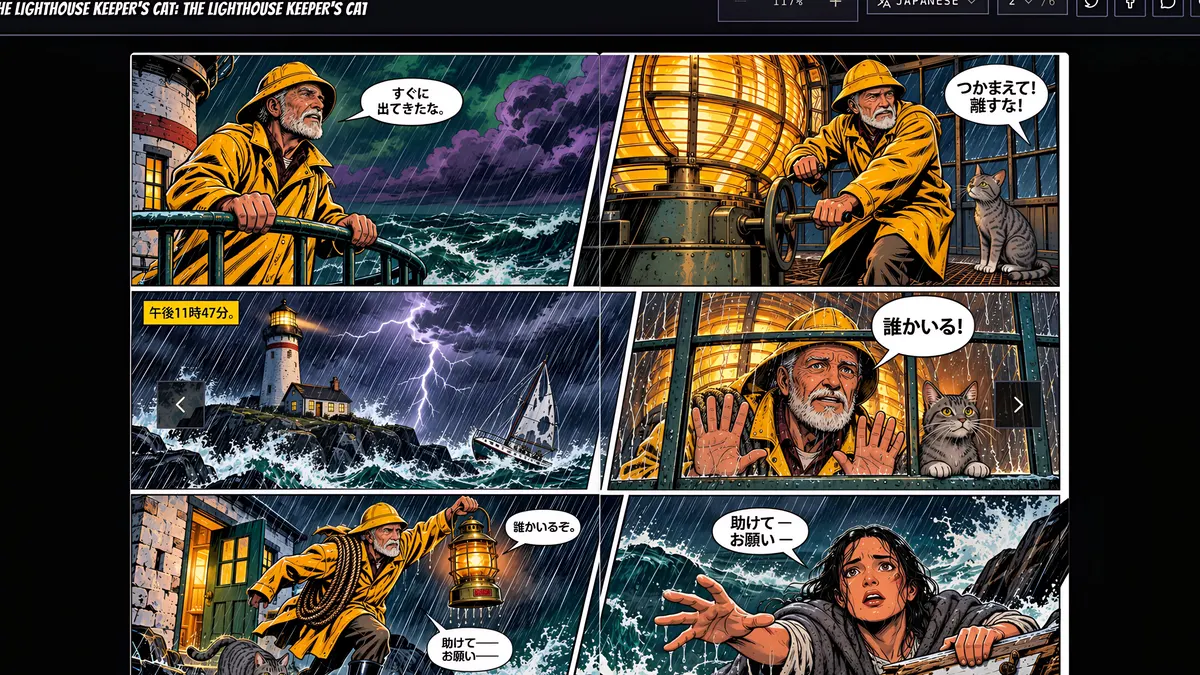
What you’ll learn
Export a single PDF or a ZIP of page images, at free web quality or upscaled print quality. Publish to give your comic a public link anyone can read in the flipbook reader, and readers can switch to any language you translated it into.
Step by step
- 1
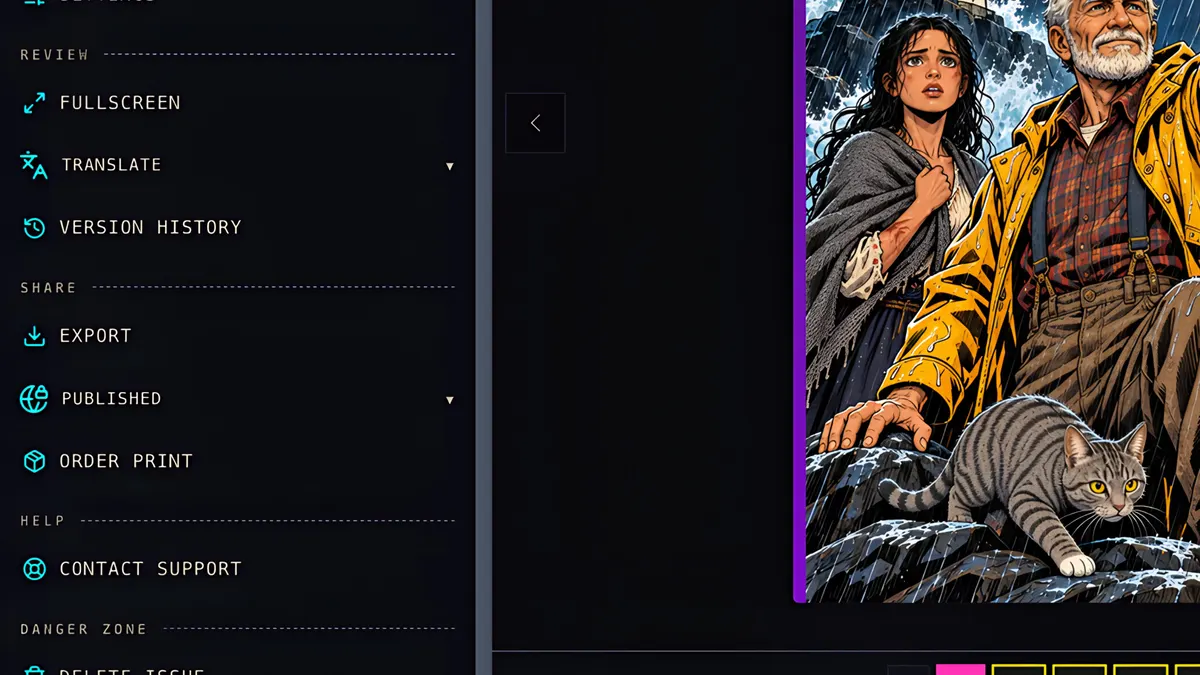
Click Export.
- 2
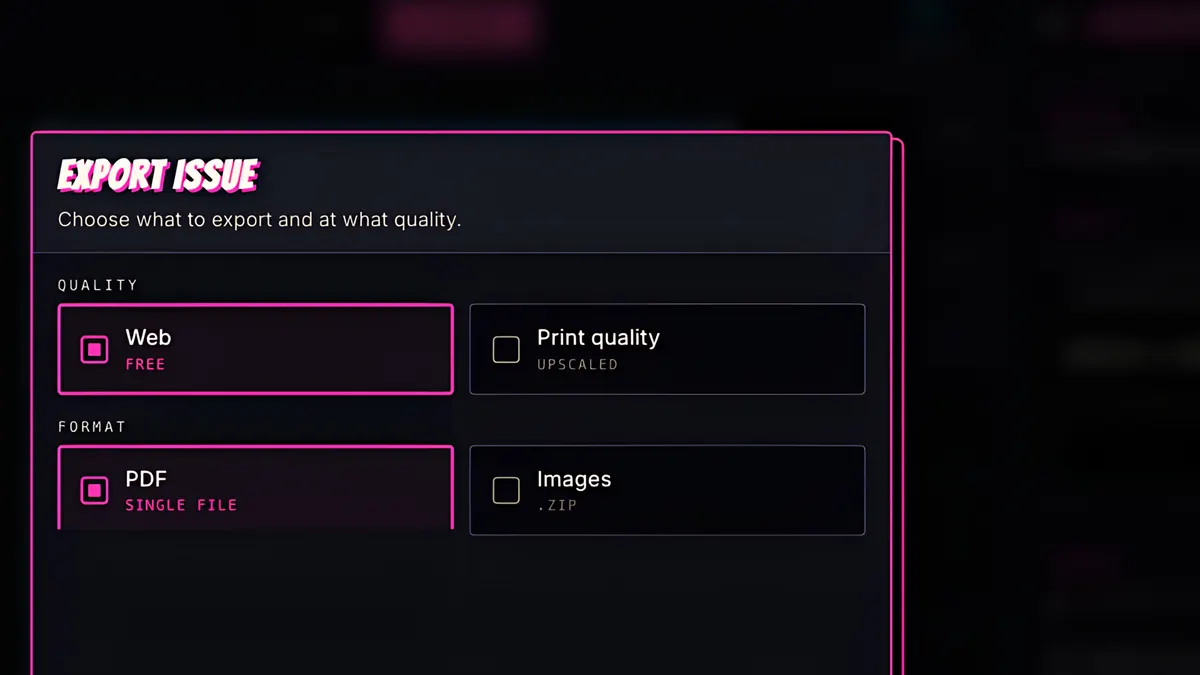
Choose a ZIP of page images, or a single PDF.
- 3
Web quality is free, or pick print quality, upscaled for printing.
- 4
Press Download, and your file is ready.
- 5
To share it online, click Publish.
- 6
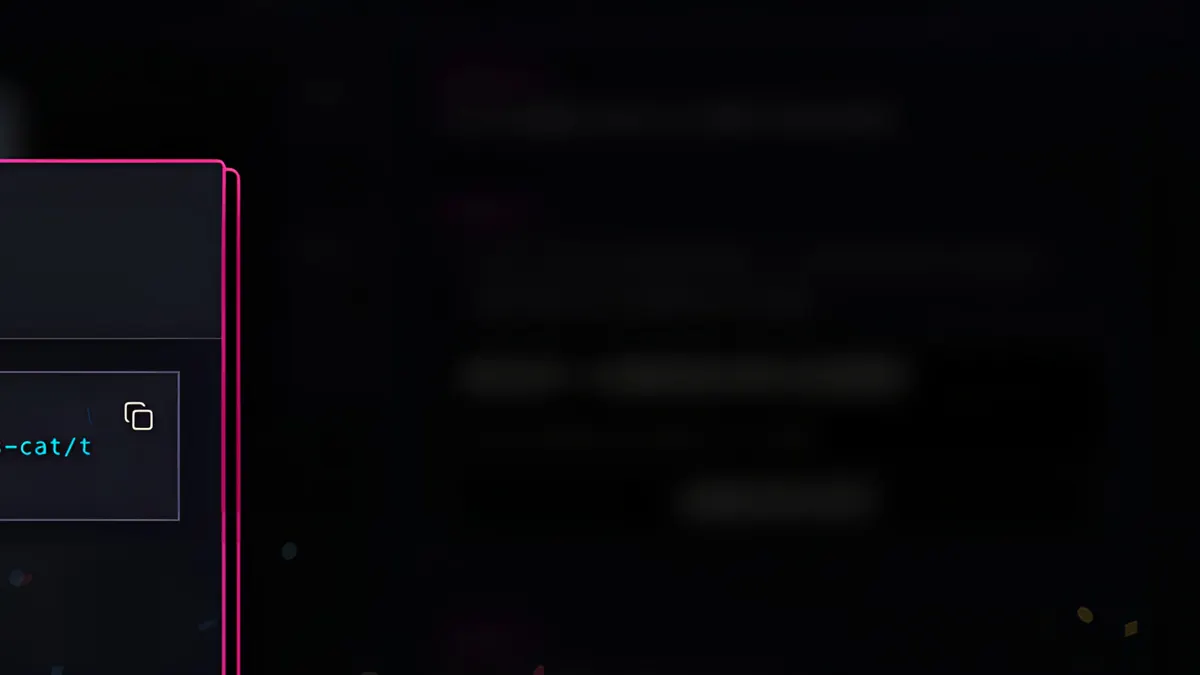
Your comic gets a public link. Anyone can read it, no account needed.
- 7
It opens in the flipbook reader, page by page, spreads and all.
- 8
And readers can switch to any language you translated it into.