What you’ll learn
Import script lets you paste a script prepared with any AI in the ComicInk format and keeps your dialogue word for word. For a whole book, attach a text PDF and ask Sidekick to turn it into a series; it asks about art style and faithfulness, proposes the issues and quotes the cost before converting.
Step by step
- 1
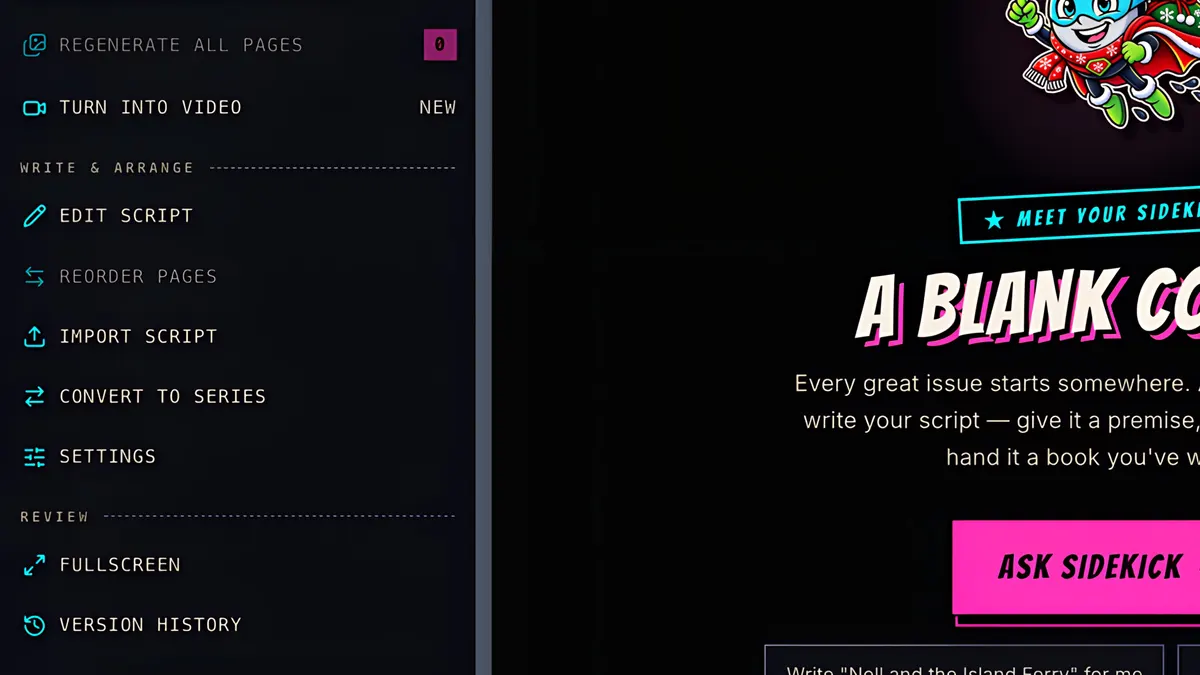
To import a script, open Tools, and click Import script.
- 2
Copy the prompt into ChatGPT, Claude or any AI, with your story.
- 3
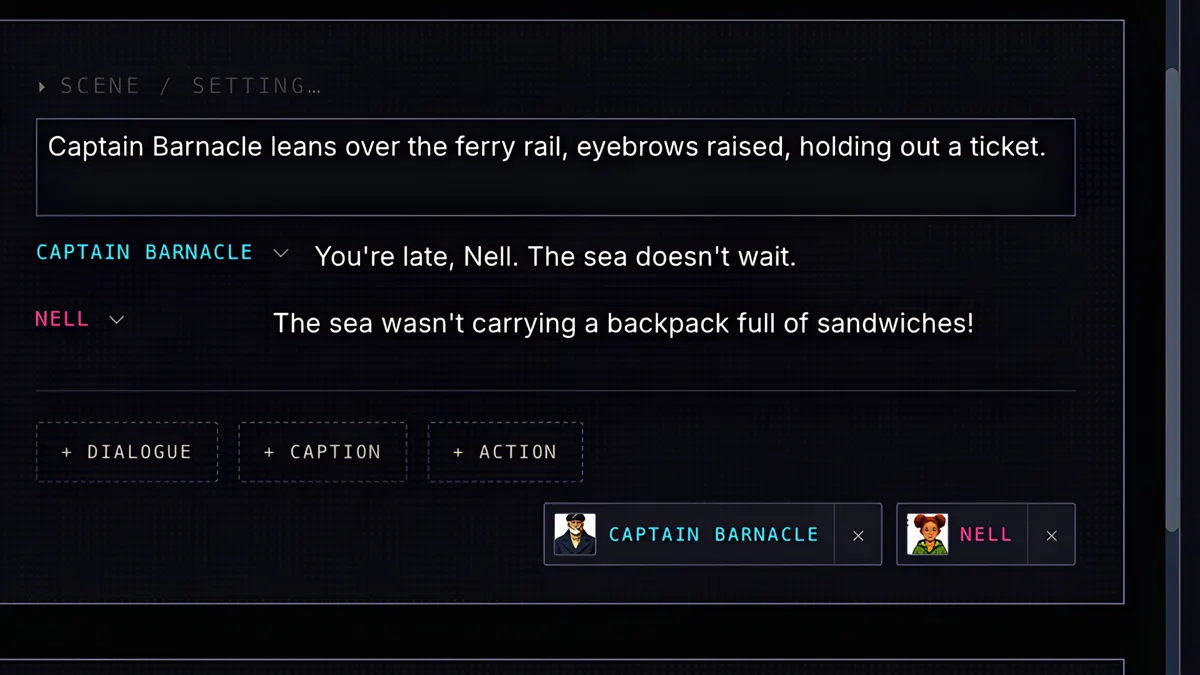
Ask it to export the script in the ComicInk format, paste the result, match up the characters, and import. Your dialogue comes in word for word.
- 4
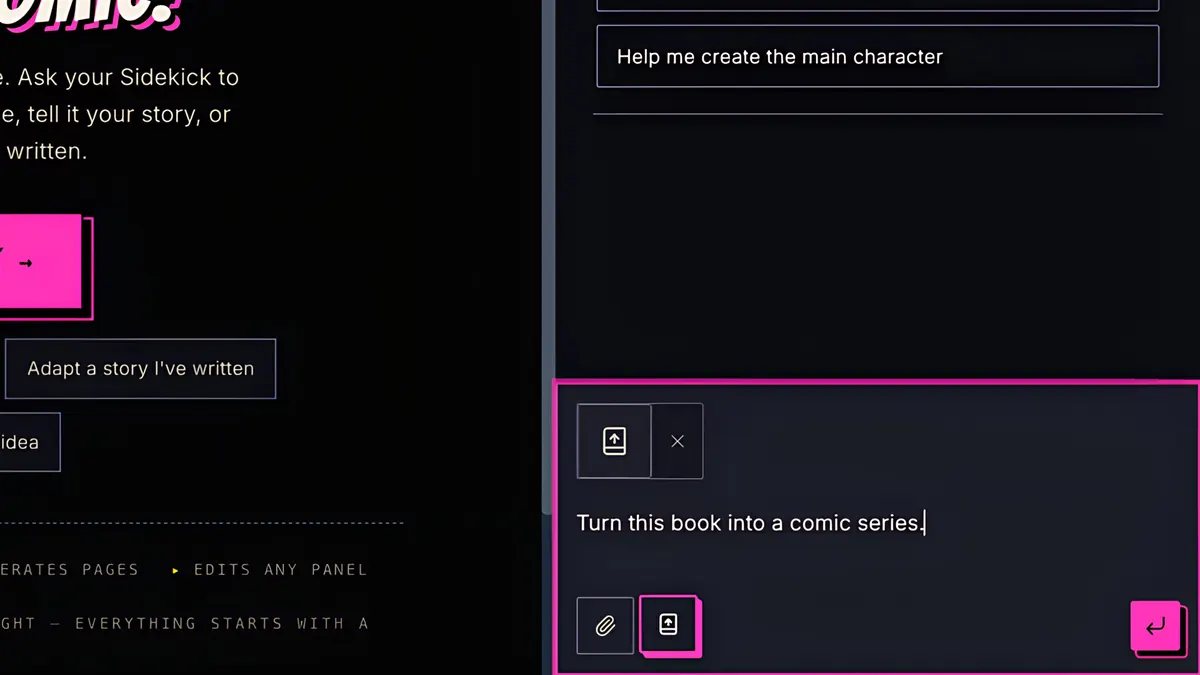
Got a whole book? Click Attach a book, and choose a text PDF.
- 5
Ask Sidekick to turn it into a comic series.
- 6
It asks a few questions, like the art style, and how faithful to the book it should be.
- 7
It proposes the issues and the cost. Confirm your rights, and Convert.
- 8
And there's your new series, cast and all.