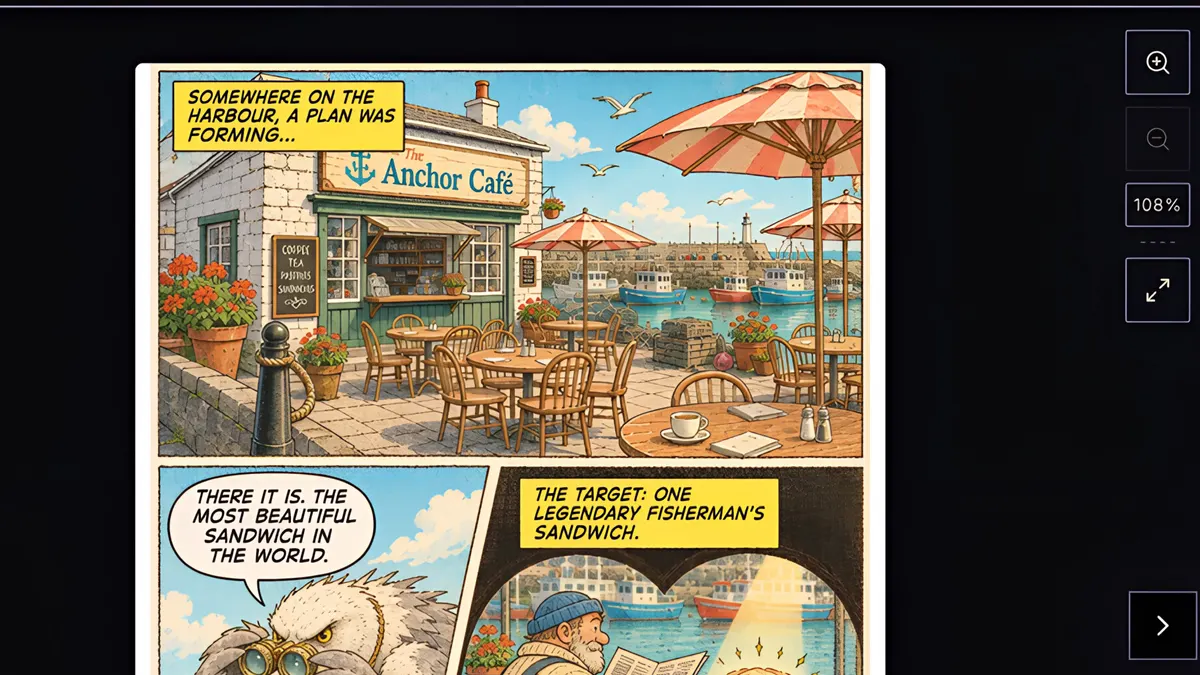
What you’ll learn
Every comic starts with an art style, from American comics and manga to noir, watercolor, chibi and pixel art. Click New Custom Style, describe the look or upload an image, generate a sample panel, and save the style to the top of your menu for every comic you make.
Step by step
- 1
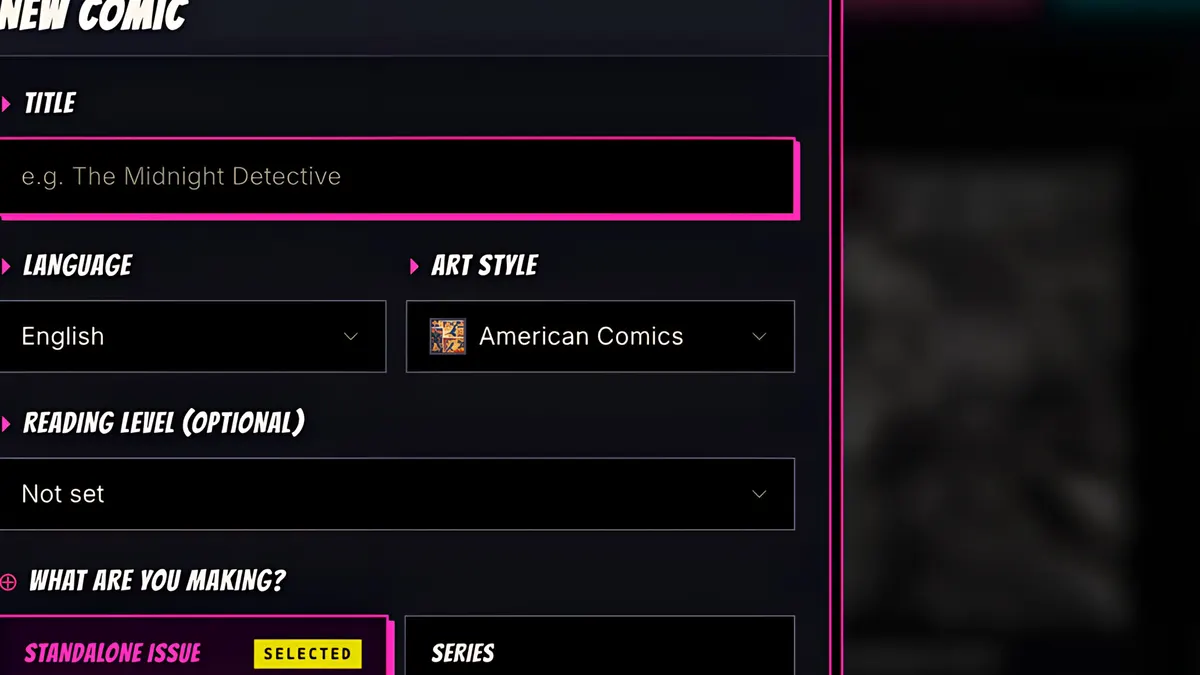
Every comic starts with an art style. Open the Art style menu.
- 2
From American comics and manga to noir, watercolor, chibi and pixel art.
- 3
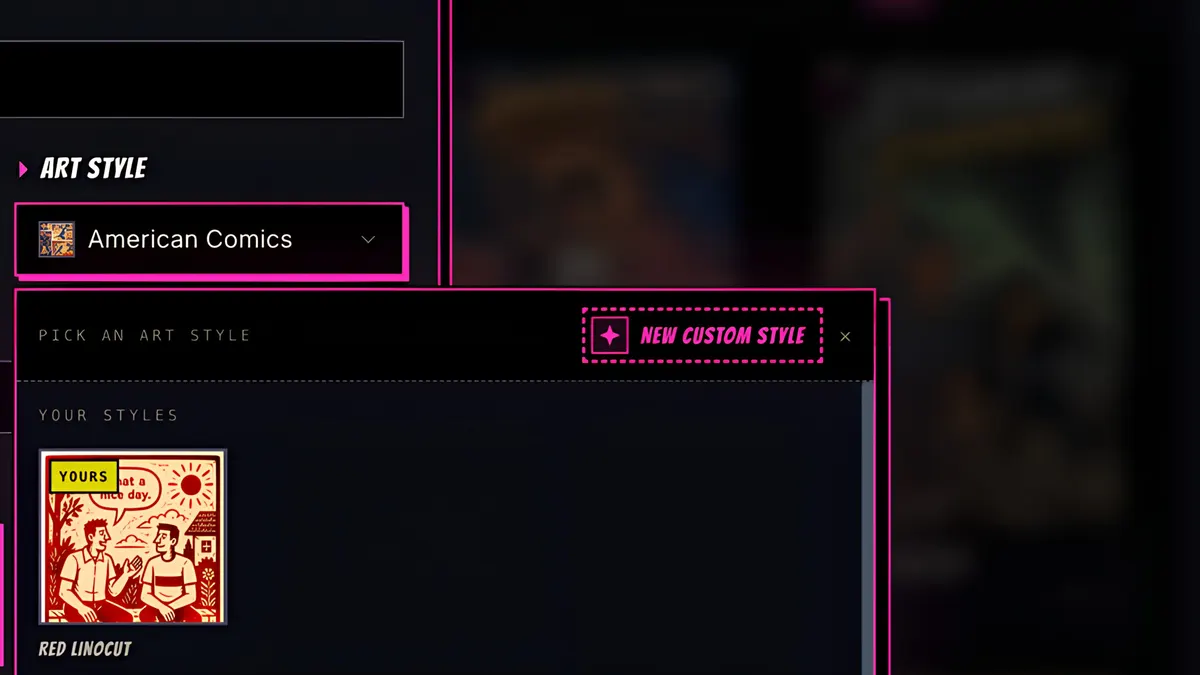
Want something else? Click New Custom Style.
- 4
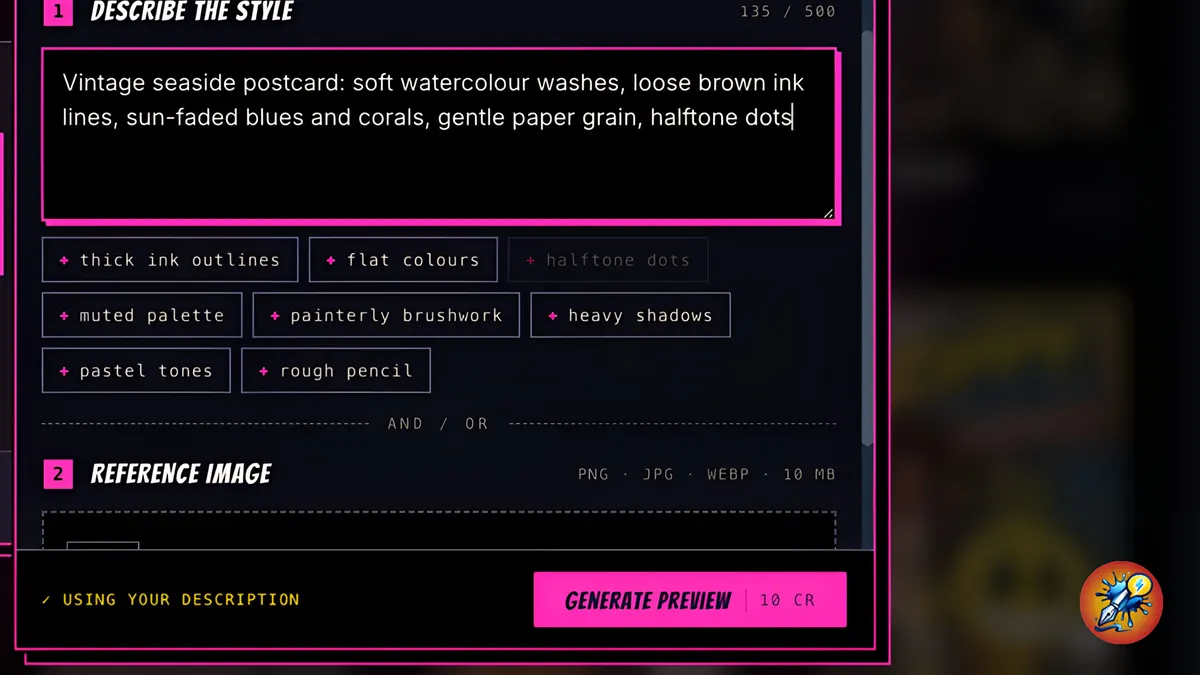
Describe the look in your own words, add hints like halftone dots, or upload an image in the style you want.
- 5
Generate a preview. It's 10 credits.
- 6
ComicInk draws a sample panel in your new style.
- 7
Try again, or name it and save.
- 8
It's saved at the top of the menu for every comic, like this one.