What you’ll learn
Pick the language when you create a comic and Sidekick writes the whole script in it, captions and dialogue included, and the balloons are lettered in that language. The ComicInk app itself is available in ten languages.
Step by step
- 1
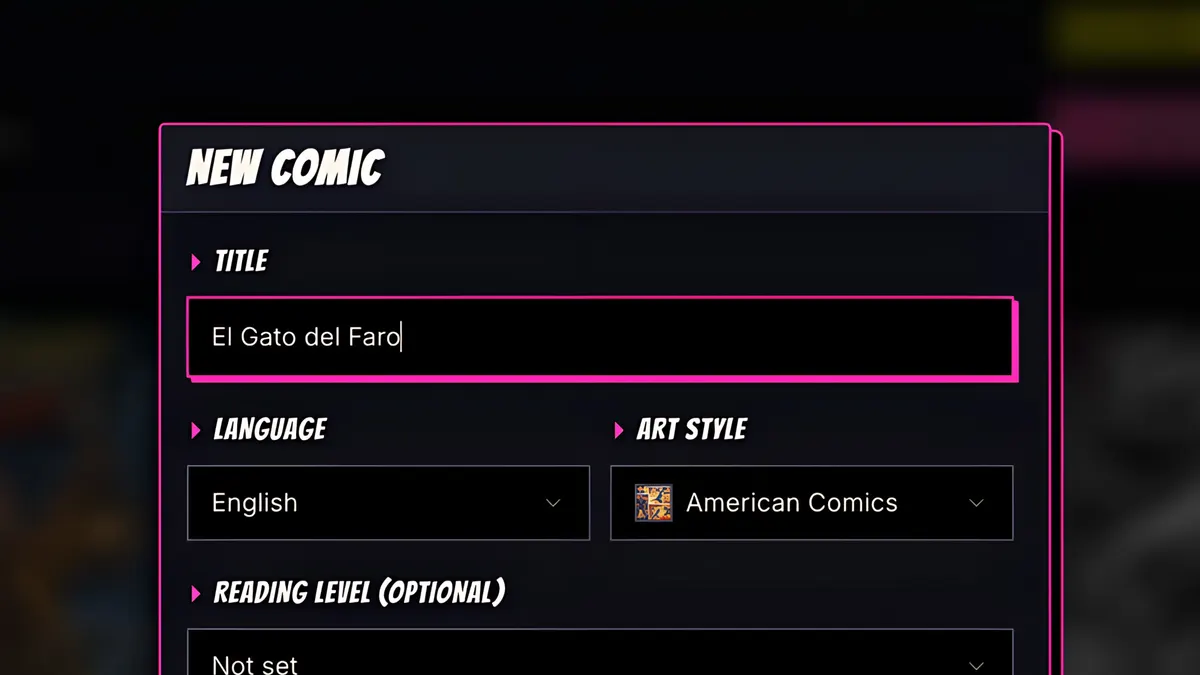
Start a new comic, and give it a title.
- 2
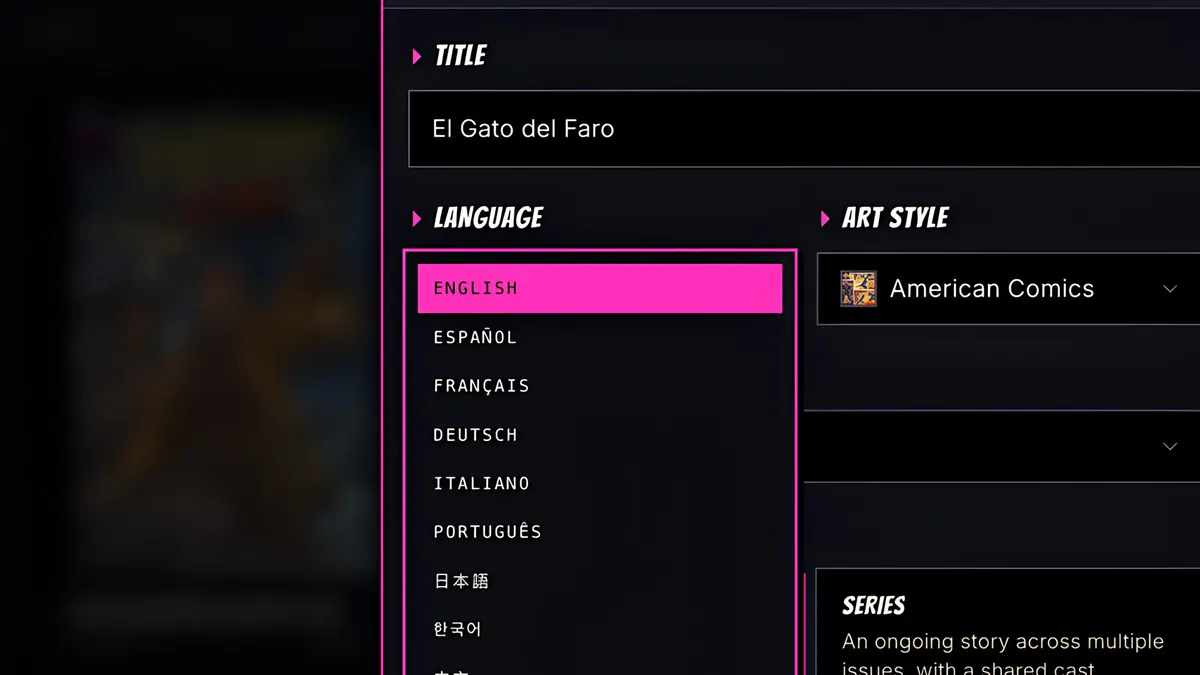
Open the Language menu. There are 22 to choose from.
- 3
I'll pick Español, and a manga art style.
- 4
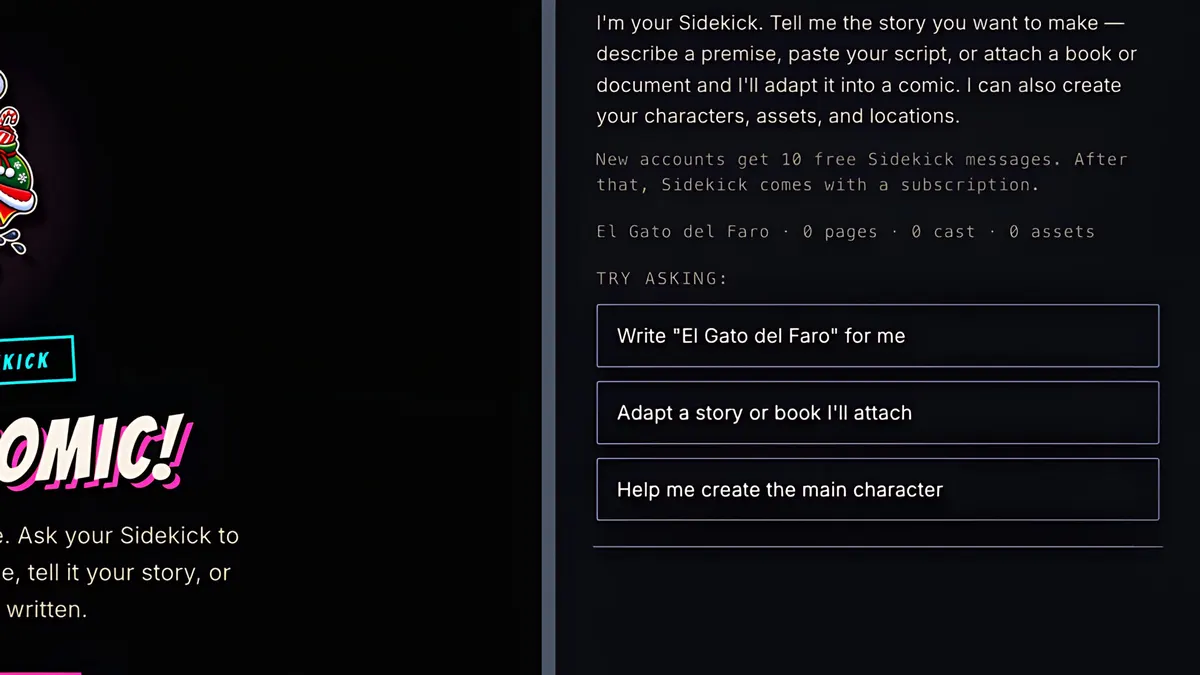
Create the comic, and let Sidekick write it. You can type to Sidekick in your own language, too.
- 5
The whole script comes back in Spanish: captions, dialogue, everything.
- 6
Generate the cast, render the pages, and the speech balloons are lettered in Spanish. Japanese, Hindi, Arabic, French and many more work the same way, and the ComicInk app itself is available in ten languages.