What you’ll learn
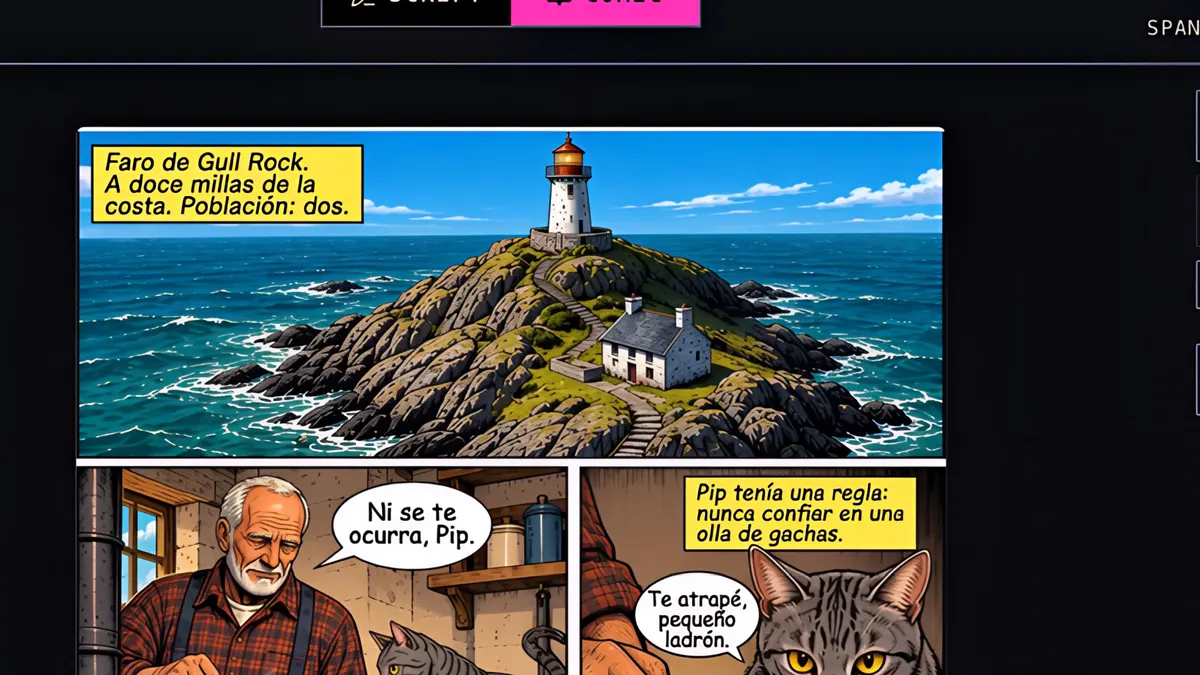
Open Translate from the Issue tab, pick your languages and see the cost before you start. Only the words in balloons and captions are re-lettered, including the cover title, and readers can switch languages in the reader.
Step by step
- 1
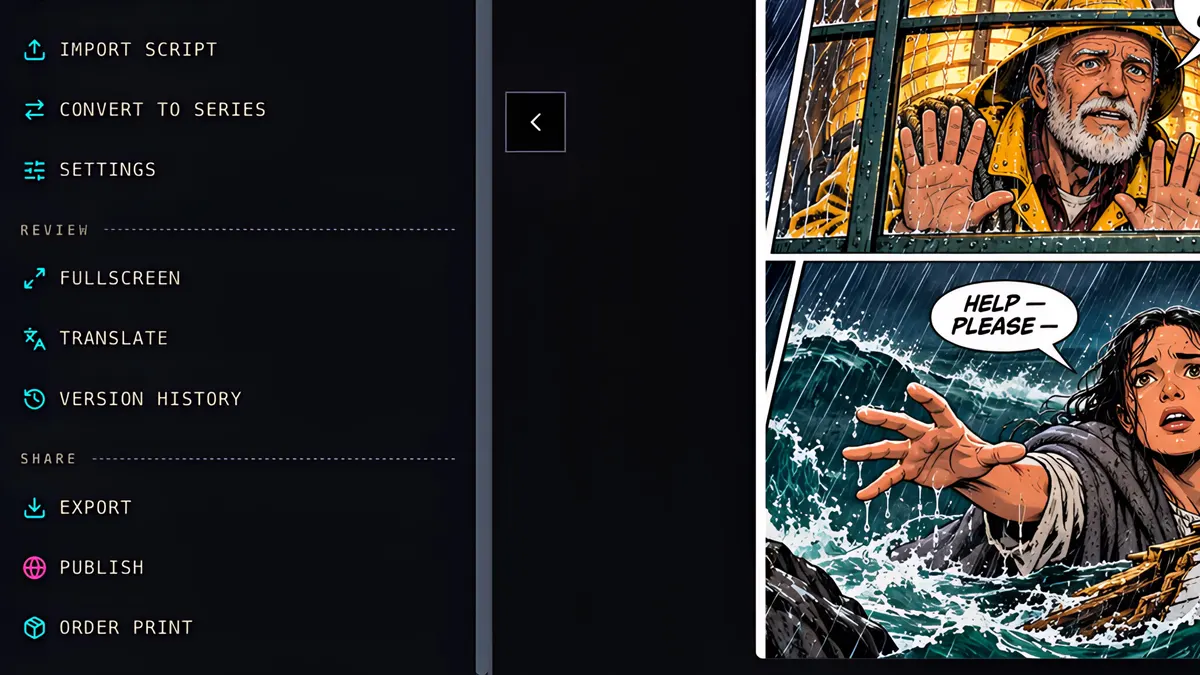
In the Issue tab, click Translate.
- 2
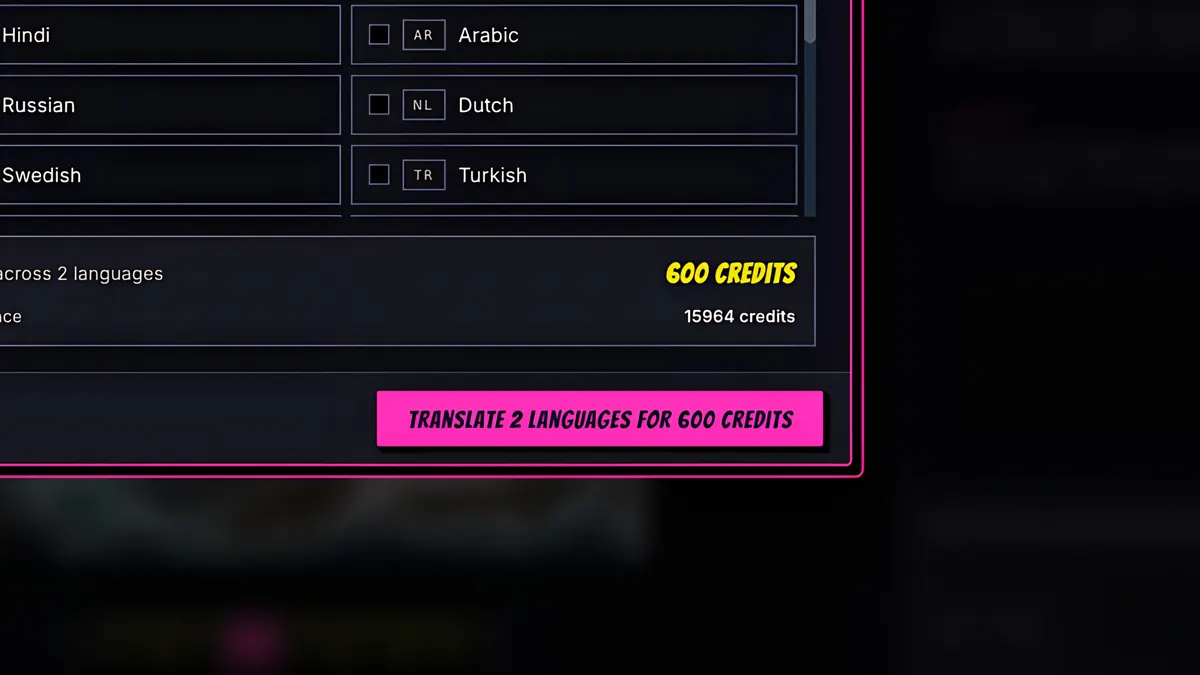
Pick your languages. Here, Japanese and Spanish.
- 3
The cost shows before you start: each translated page or cover is 50 credits.
- 4
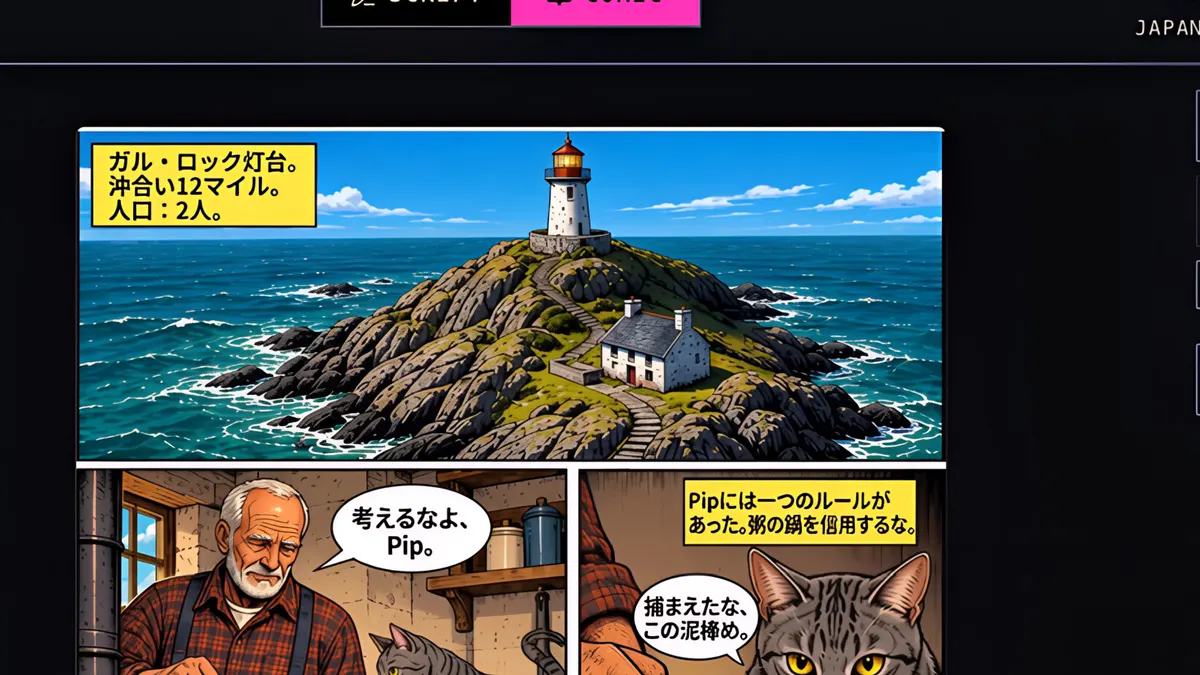
The artwork stays identical. Only the words in the balloons and captions are re-lettered.
- 5
When it's done, switch the viewer to another language.
- 6
Here's page one in Japanese, and the cover, with the title translated too.
- 7
And Spanish, ready for a whole new set of readers. You can fix or edit any translated page later.