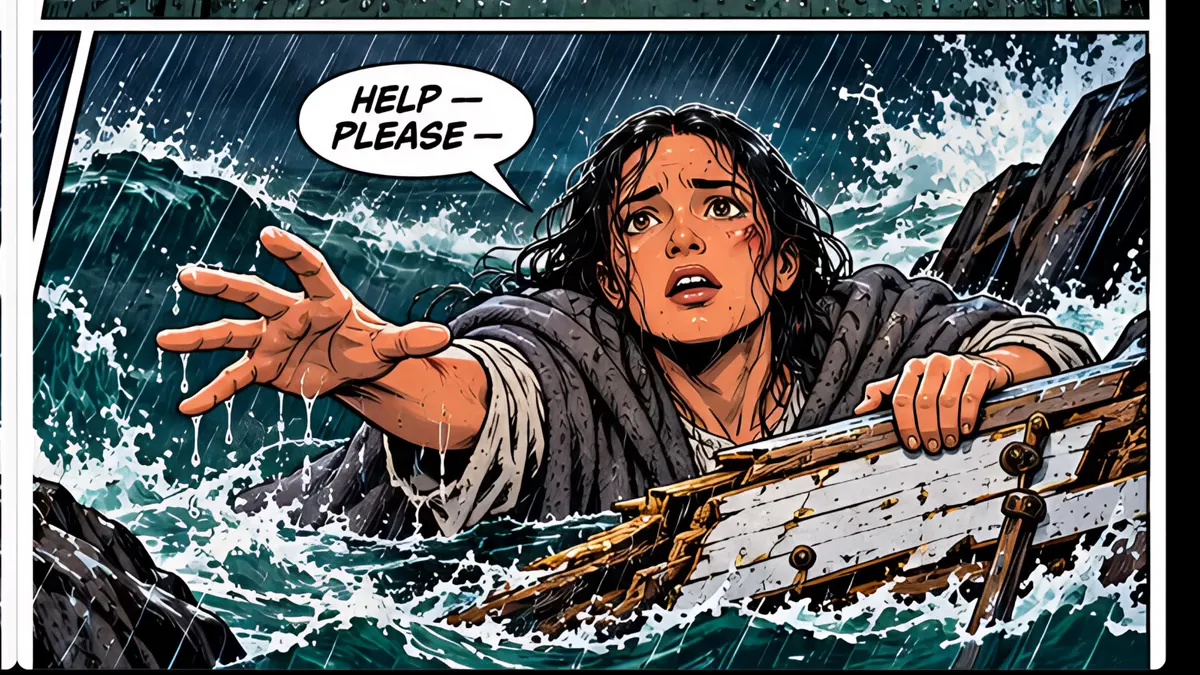
What you’ll learn
Go to an even-numbered page and click Make 2-page spread in the Page tab. ComicInk draws one wide image and splits it across both pages, so it reads across the open book. Regenerate the left page to update both halves, or split it back any time.
Step by step
- 1
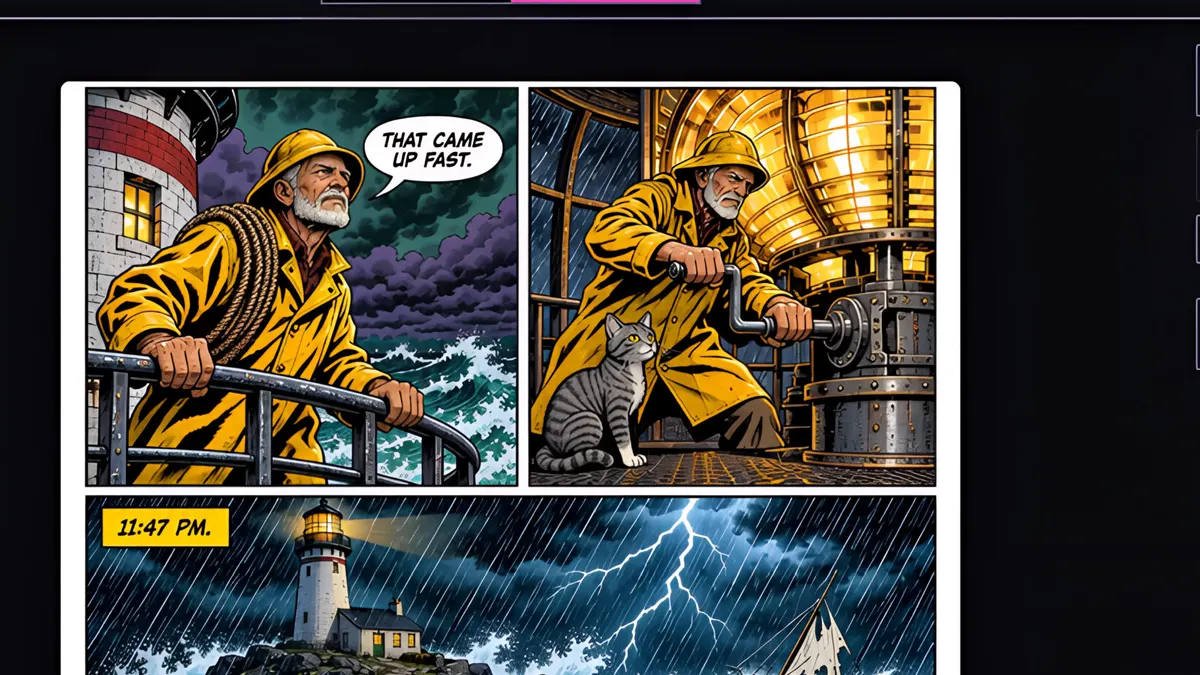
Go to an even-numbered page. Here, page two.
- 2
In the Page tab, click Make 2-page spread.
- 3
ComicInk draws one wide image for both pages and splits it down the middle. It's a single page render, not two.
- 4
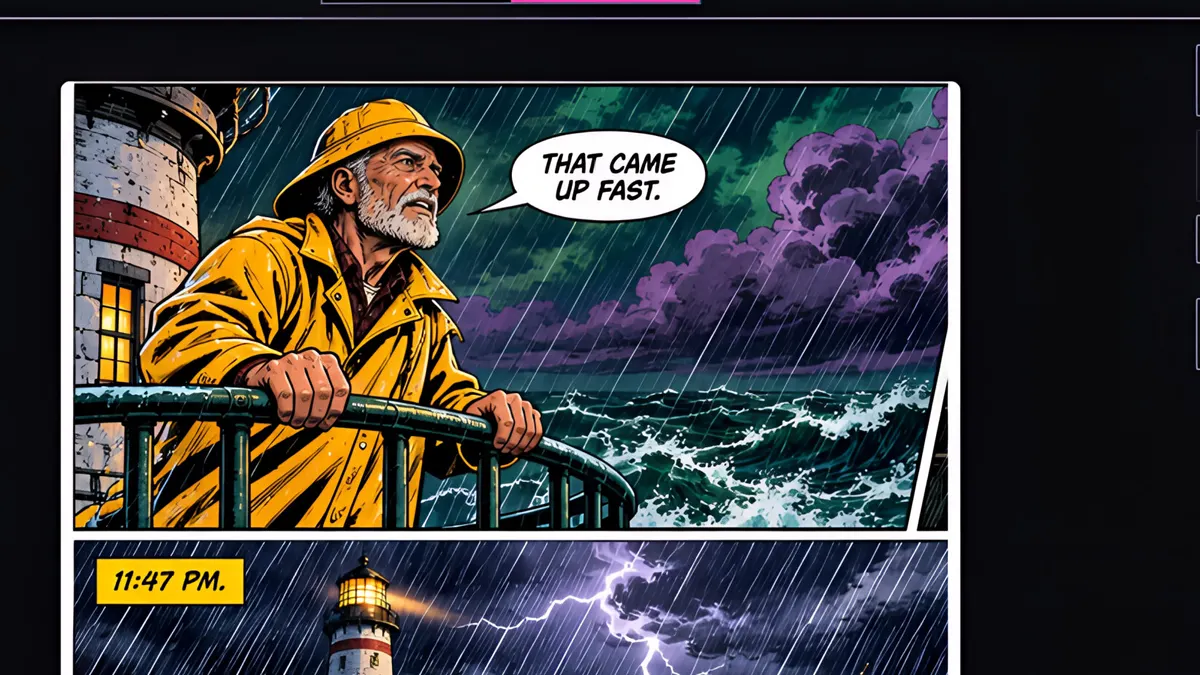
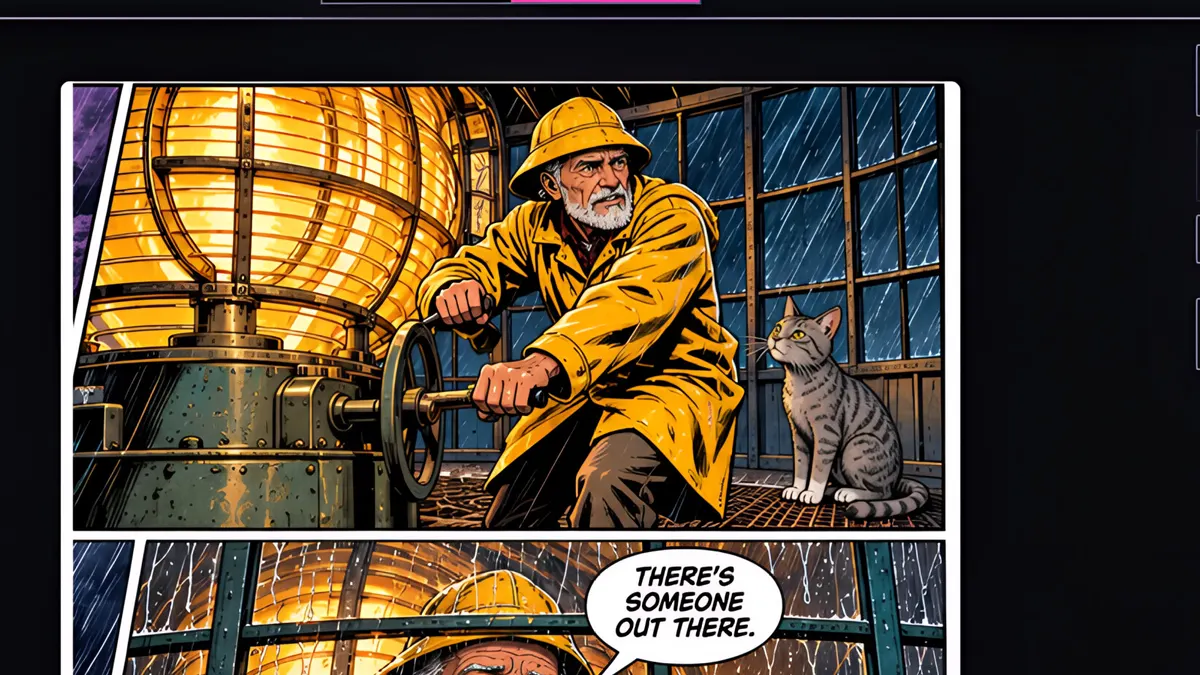
Page two is the left half, and page three is the right half.
- 5
Open it full screen, and it reads across the open book as one big scene.
- 6
Keep faces and key details away from the middle, where the book folds. Regenerate the left page and both halves update together, and you can split it back into two pages any time.