What you’ll learn
Open the Cast rail, click Add Character, give the character a name and describe the face, hair and clothes that should stay the same on every page. Set gender, age and build, optionally add a likeness photo or style reference, then Save and Generate to draw a consistent character sheet you can tag in any panel.
Step by step
- 1
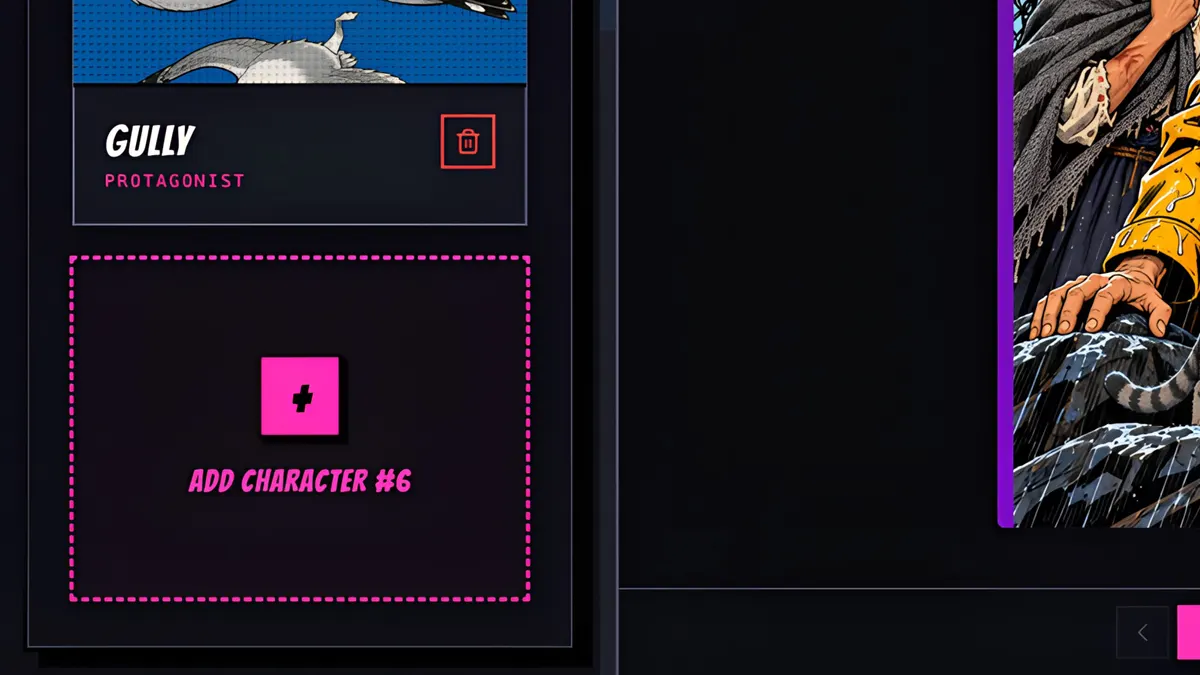
Open the Cast rail, and click Add Character.
- 2
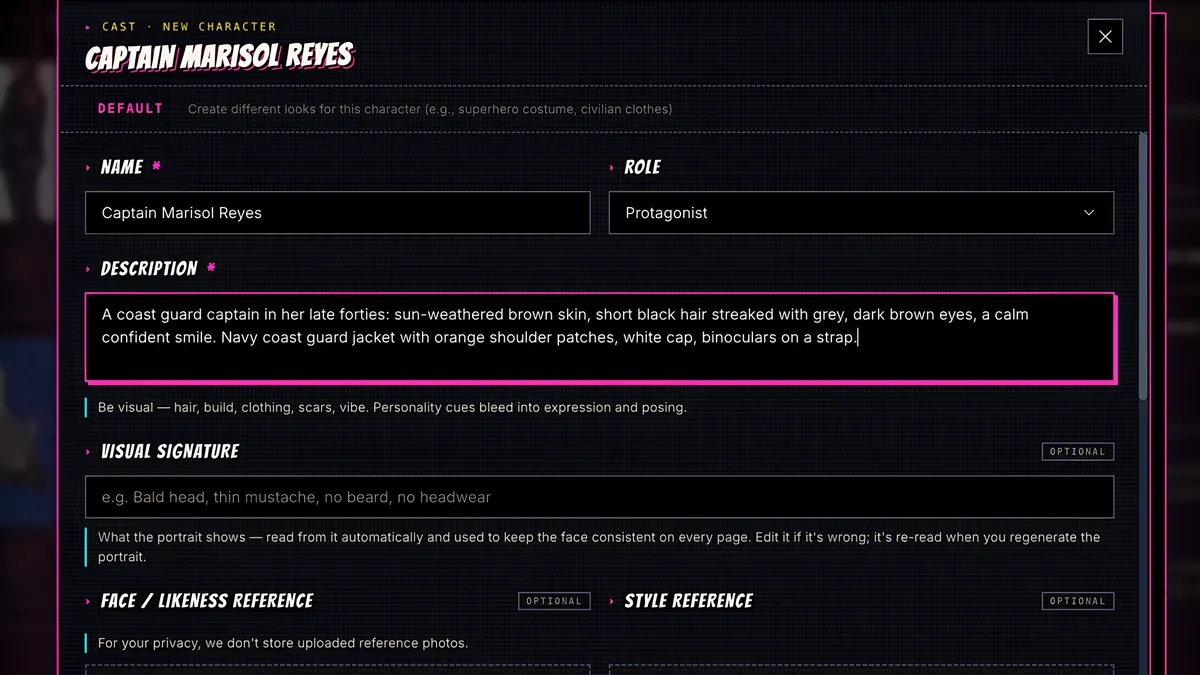
Give them a name, and describe how they look: face, hair, clothes, anything that should stay the same on every page.
- 3
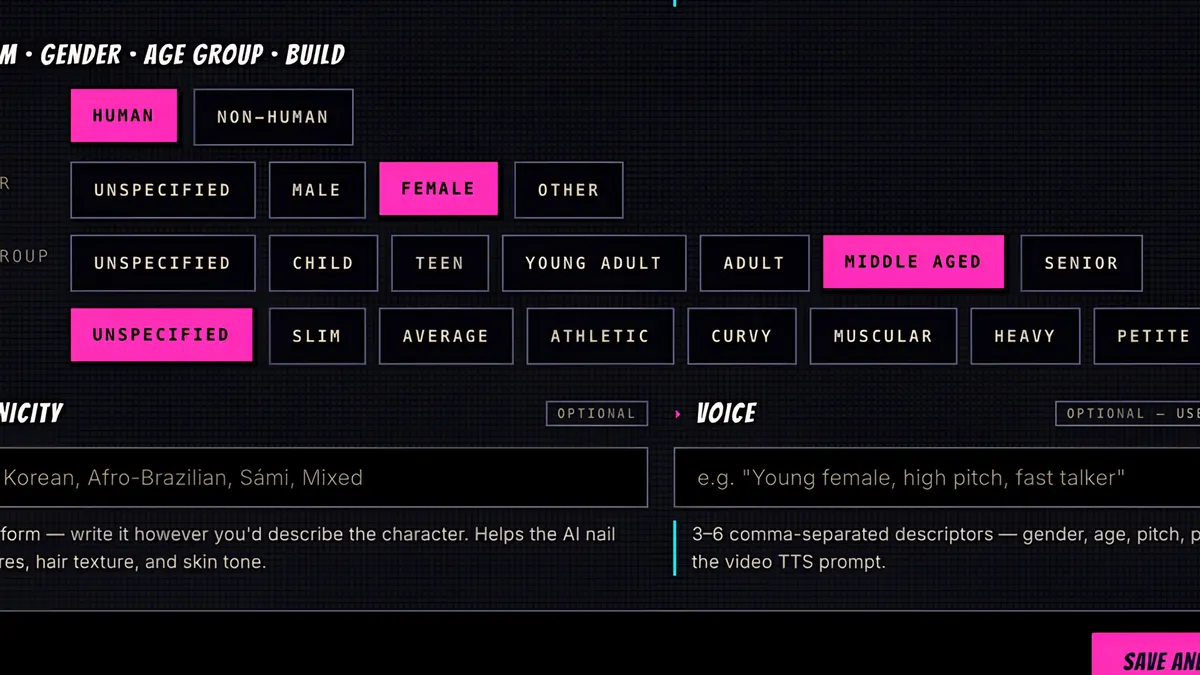
Then set gender, age and build, so the artist has the basics locked in. You can also add a likeness photo or a style reference if you have one.
- 4
Press Save and Generate. It's 10 credits.
- 5
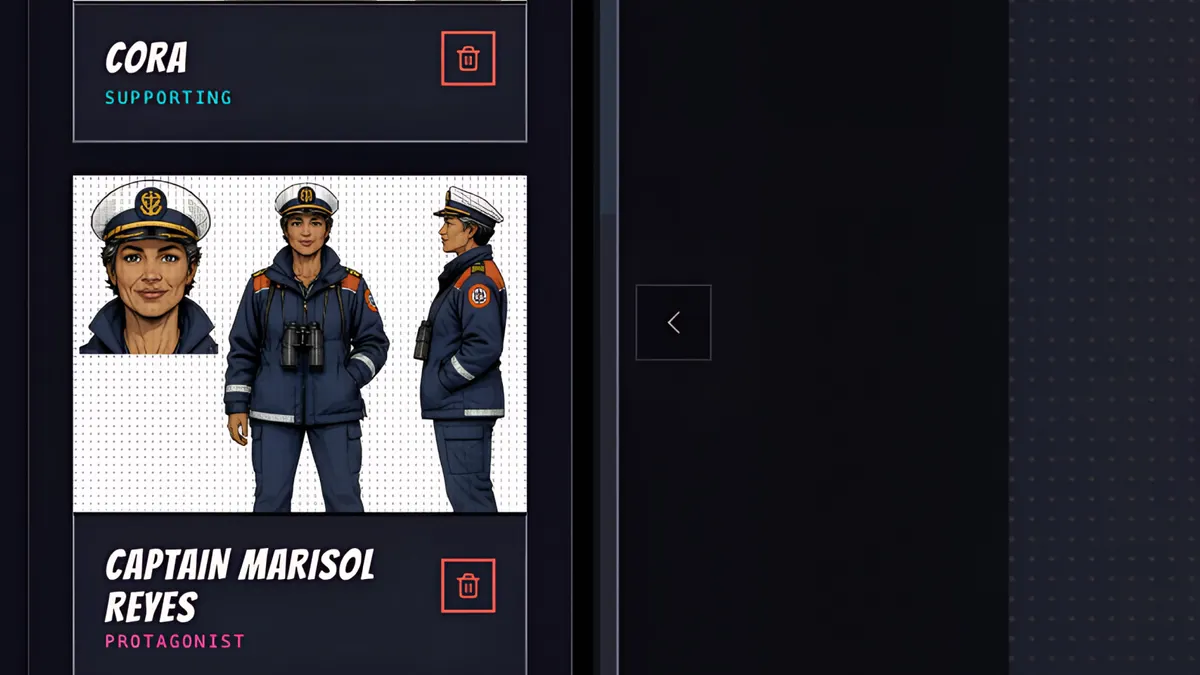
In a few seconds the character sheet is drawn: a face close-up, plus full body views.
- 6
Captain Marisol Reyes is now part of the cast. Tag her in any panel of your script, or just ask Sidekick to write her into the story, and she'll look like this on every page.