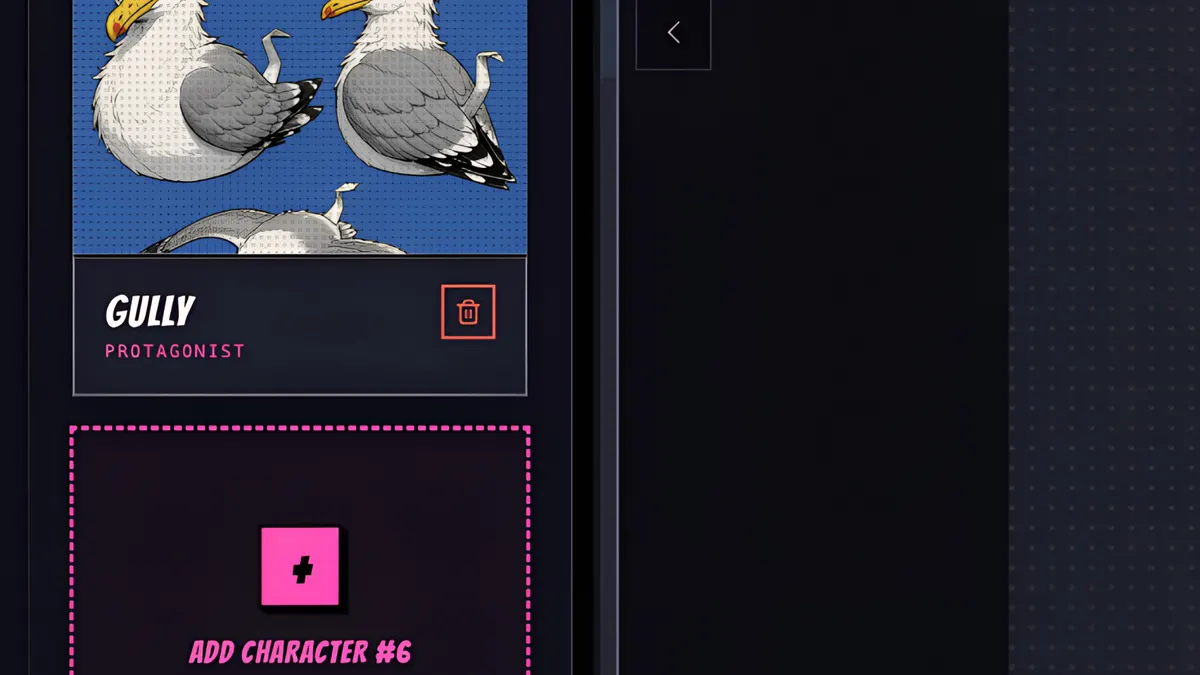
What you’ll learn
Add a character as usual and set the Form to Non-human. Human-only fields like age and build go away and you describe the creature itself. This lesson creates a scruffy seagull; dragons, robots, ghosts and swarms work the same way.
Step by step
- 1
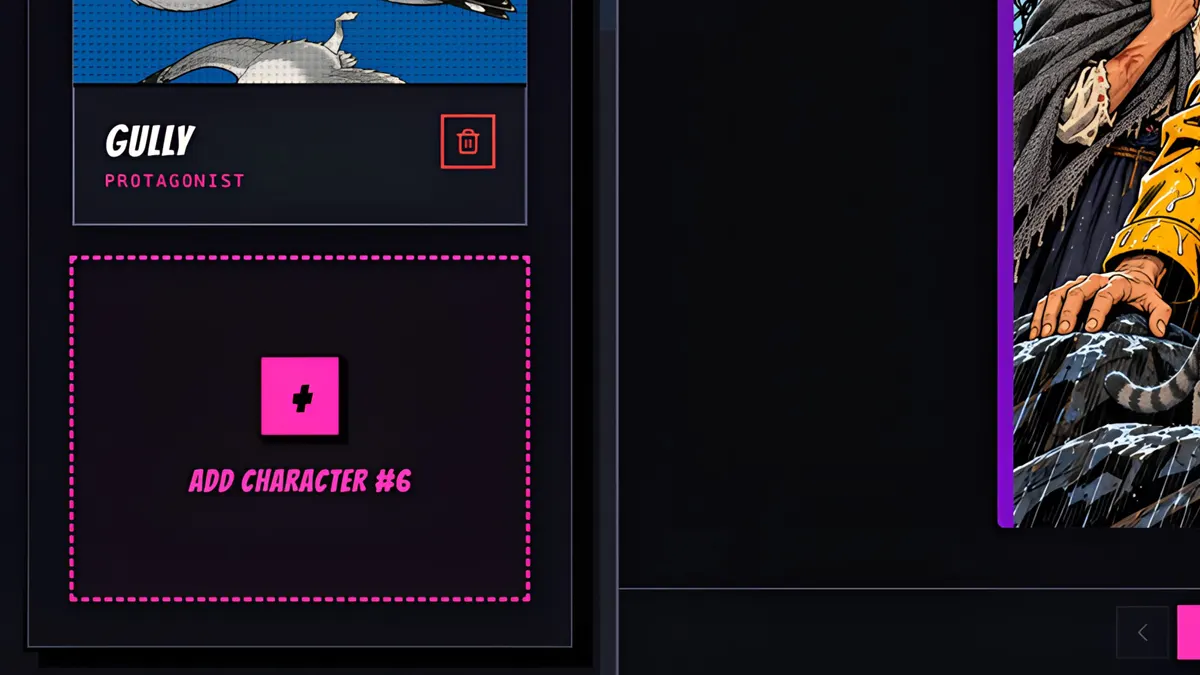
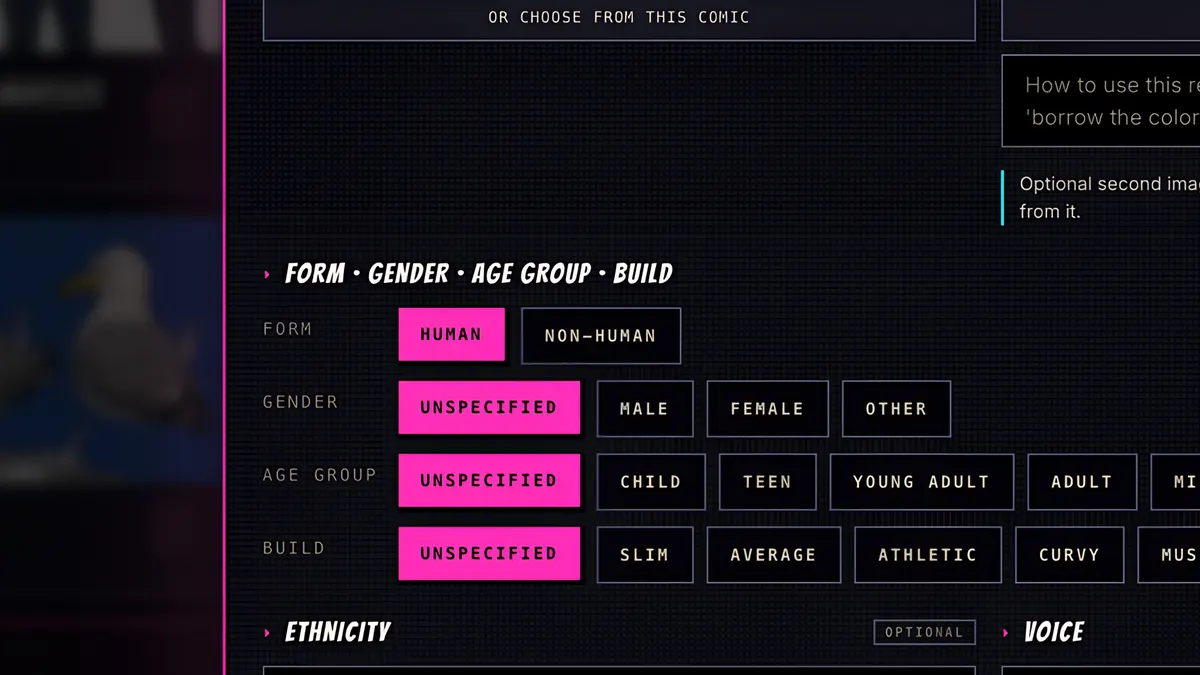
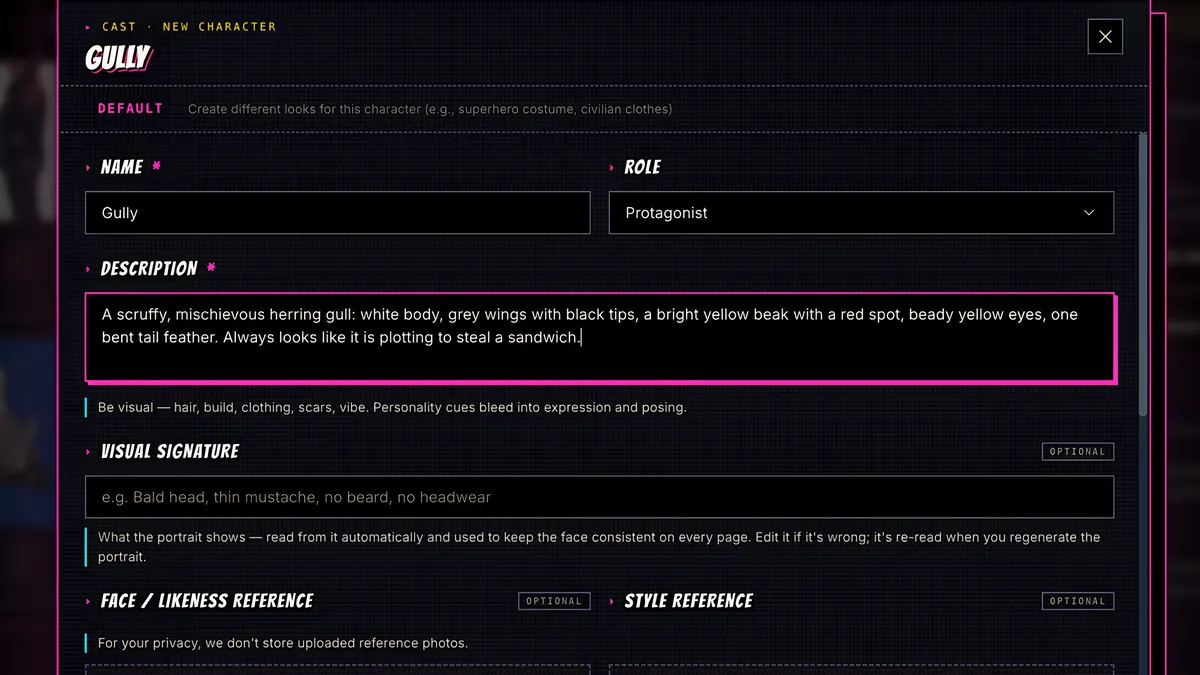
Add a character as usual, give it a name, and set the Form to Non-human.
- 2
The form adapts. Age, build and other human-only fields go away, and you describe the creature itself.
- 3
Save and Generate.
- 4
ComicInk draws a reference sheet for your creature, with close-ups and full body views.
- 5
Gully the seagull joins the cast. Dragons, robots, ghosts, even a swarm of drones all work the same way, and each one will look like itself in every panel.