What you’ll learn
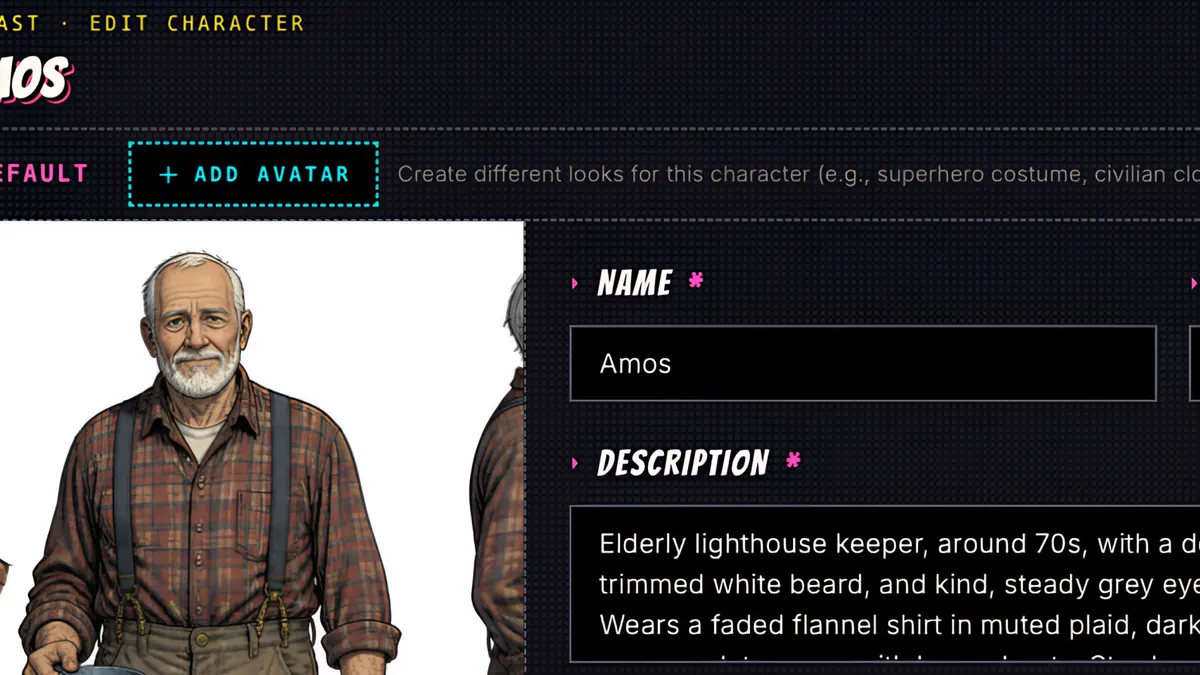
When Sidekick writes a script it lists every new character and location in a Reference images card. Press Generate all and ComicInk draws characters first, then locations. Each character sheet has a face close-up and full-body views, and every page after that is drawn from them for consistent characters.
Step by step
- 1
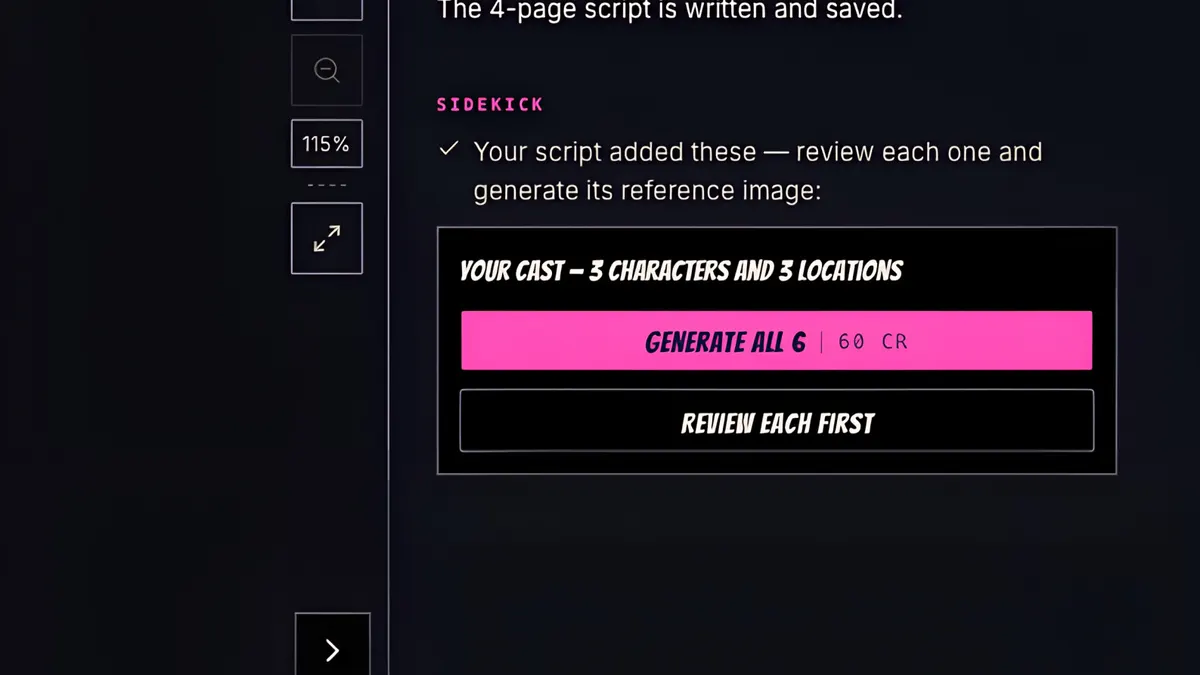
When Sidekick writes a script, it lists every new character and location in a Reference images card.
- 2
Open the Cast rail, and there they are, still waiting for pictures.
- 3
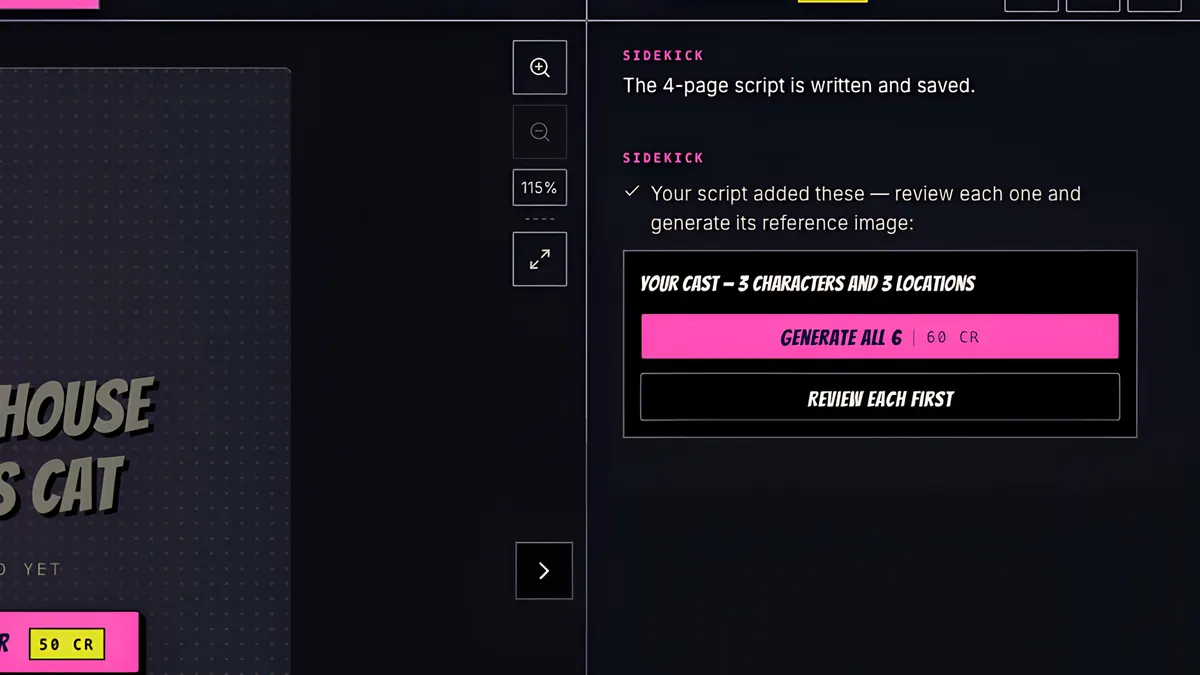
Press Generate all.
- 4
Characters are drawn first, then locations, all at once. It's 10 credits each, and anything that fails or is blocked isn't charged.
- 5
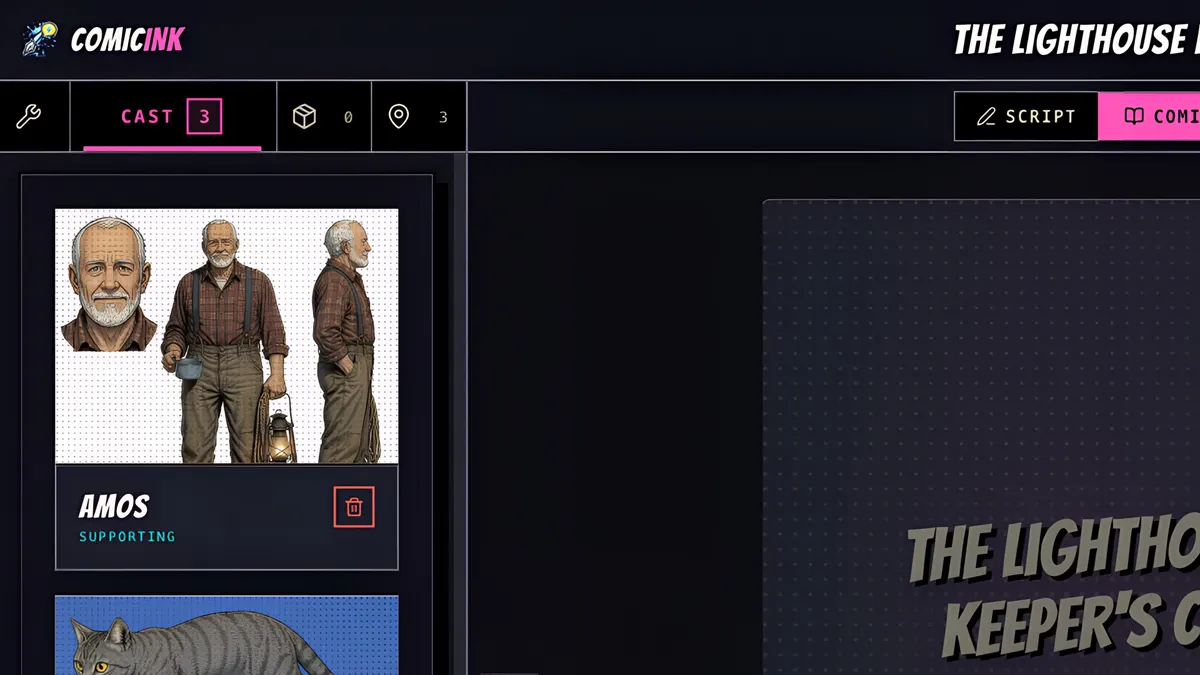
The lighthouse, the island and the shoreline, and Amos, Pip and Cora.
- 6
Each sheet has a close-up and full body views, and every page after this is drawn from them, so your cast looks the same on every page.