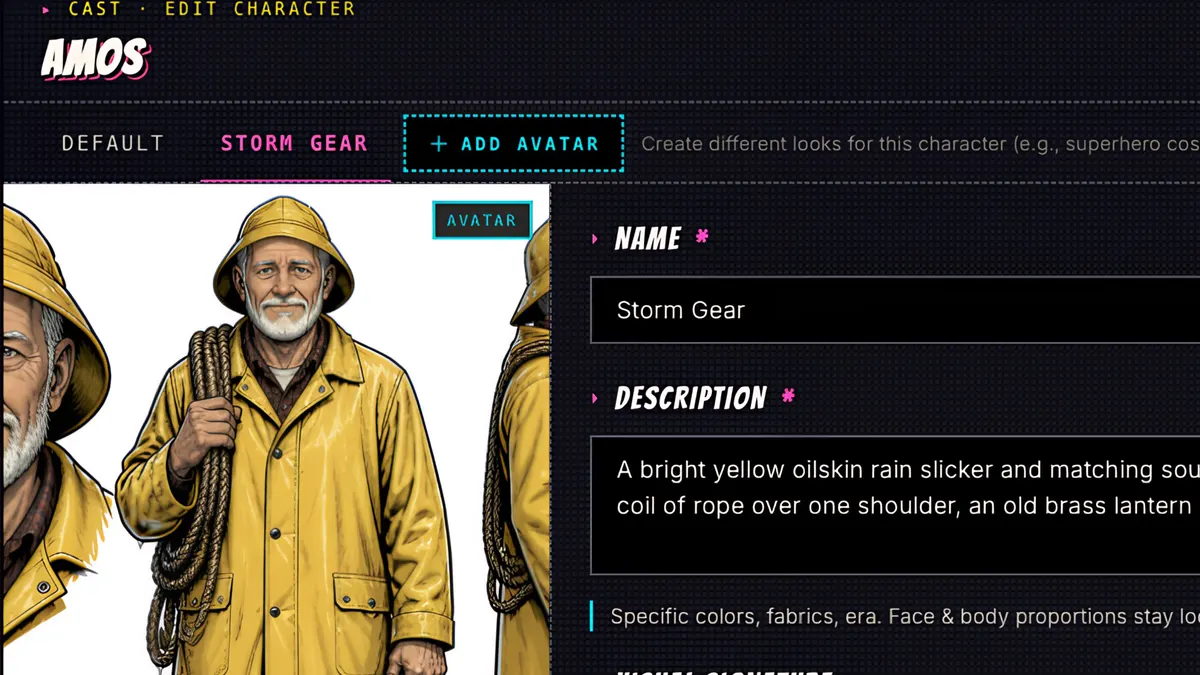
What you’ll learn
Open a character and click Add Avatar. A new tab opens inside the character window; name the avatar and describe only what changes, such as clothes, hats, boots or something they carry. ComicInk draws the new avatar from the same face, and you can switch tabs to compare or make any avatar the default.
Step by step
- 1
Open a character. This is Amos, the lighthouse keeper, in his everyday flannel shirt.
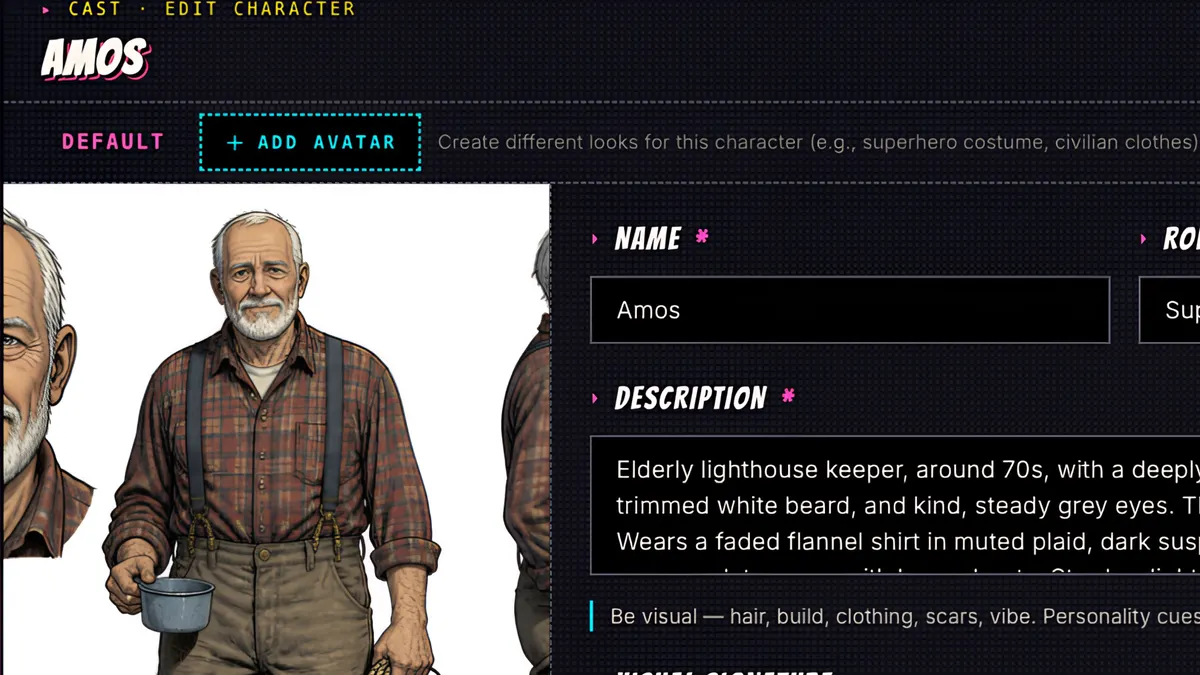
- 2
Click Add Avatar. A new tab opens, right inside the character window.
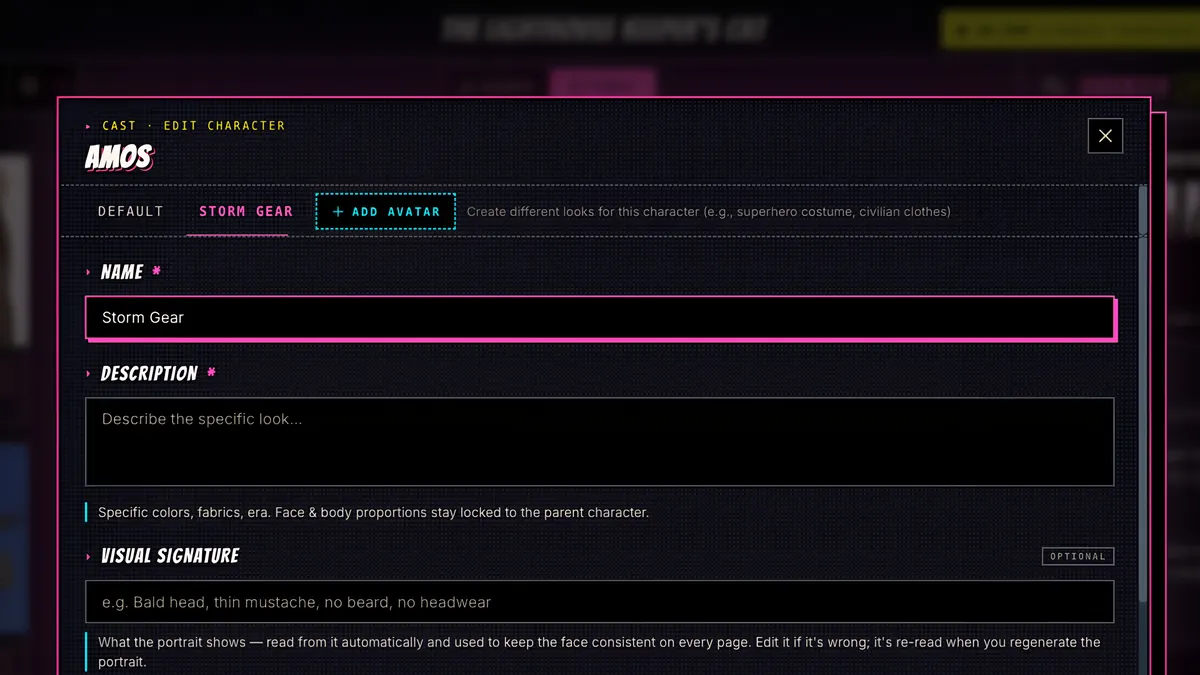
- 3
Name the avatar, and describe only what changes: the clothes, the hat, the boots, anything they're carrying.
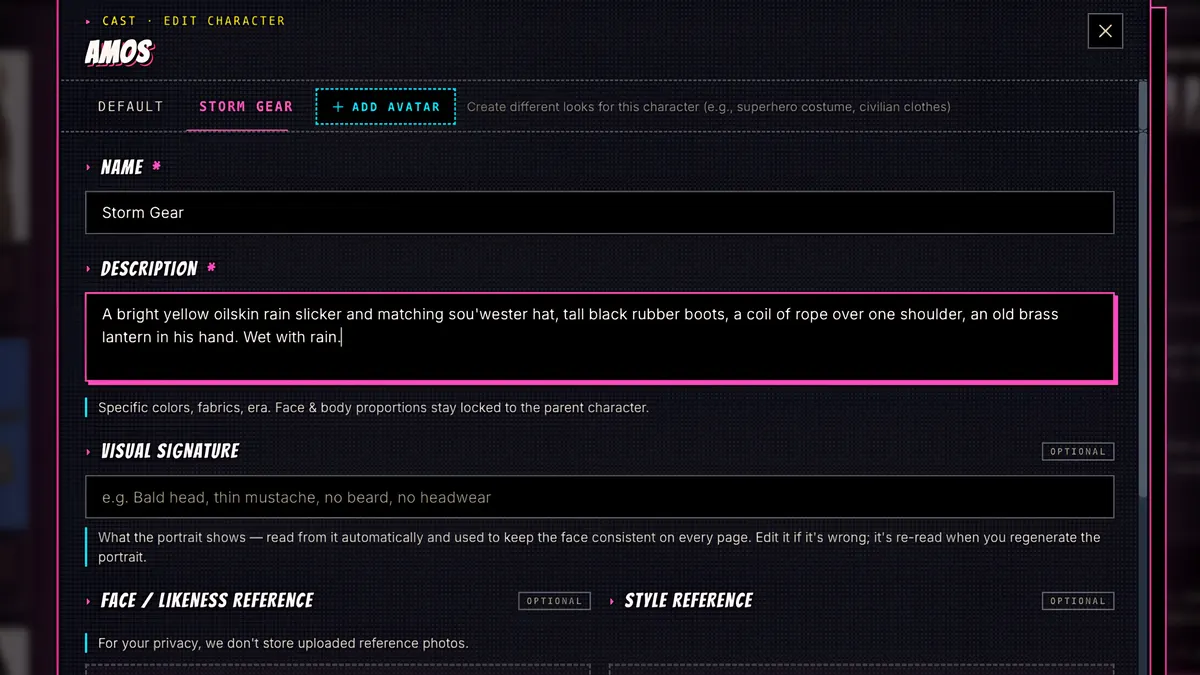
- 4
Save and Generate. It's 10 credits.
- 5
The new avatar keeps Amos's face, hair and build, and dresses him for the storm.
- 6
Switch tabs to compare. Same man, two avatars. You can make any avatar the default, and add as many as your story needs.