What you’ll learn
Open Lettering from the Page tab. Choose all caps, sentence case or the model’s choice, set fill, border and text colours for captions and balloons, and add notes like sound effects in big jagged red letters. Apply it to one page or the whole series, then regenerate.
Step by step
- 1
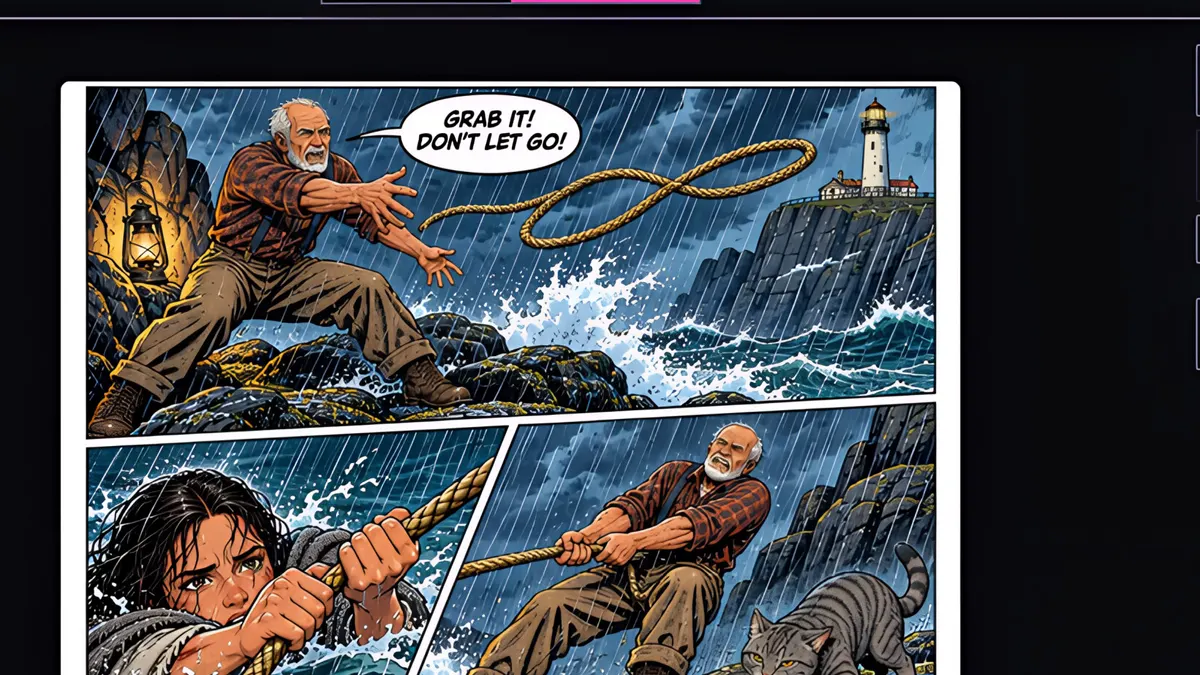
Here's page three, with yellow caption boxes and all-caps speech balloons.
- 2
Open the Page tab, and click Lettering.
- 3
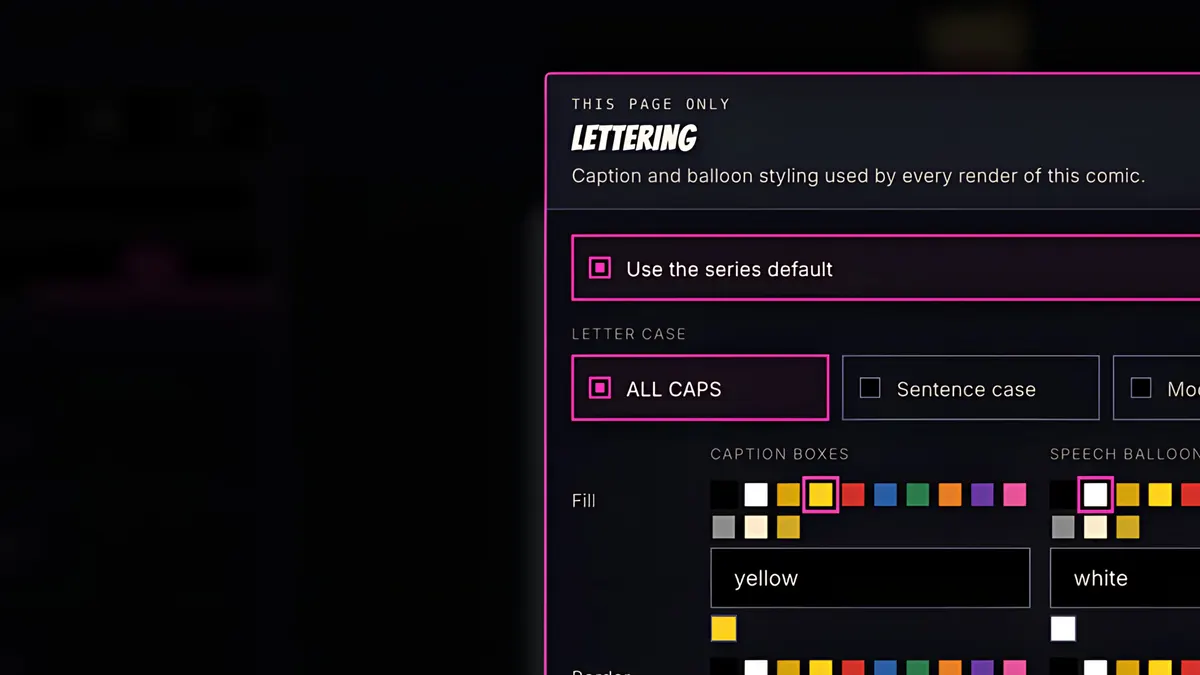
Untick Use the series default to style just this page. Leave it ticked to change the whole series.
- 4
Choose the letter case: all caps, sentence case, or let the model decide.
- 5
Pick fill, border and lettering colours, for caption boxes and speech balloons separately.
- 6
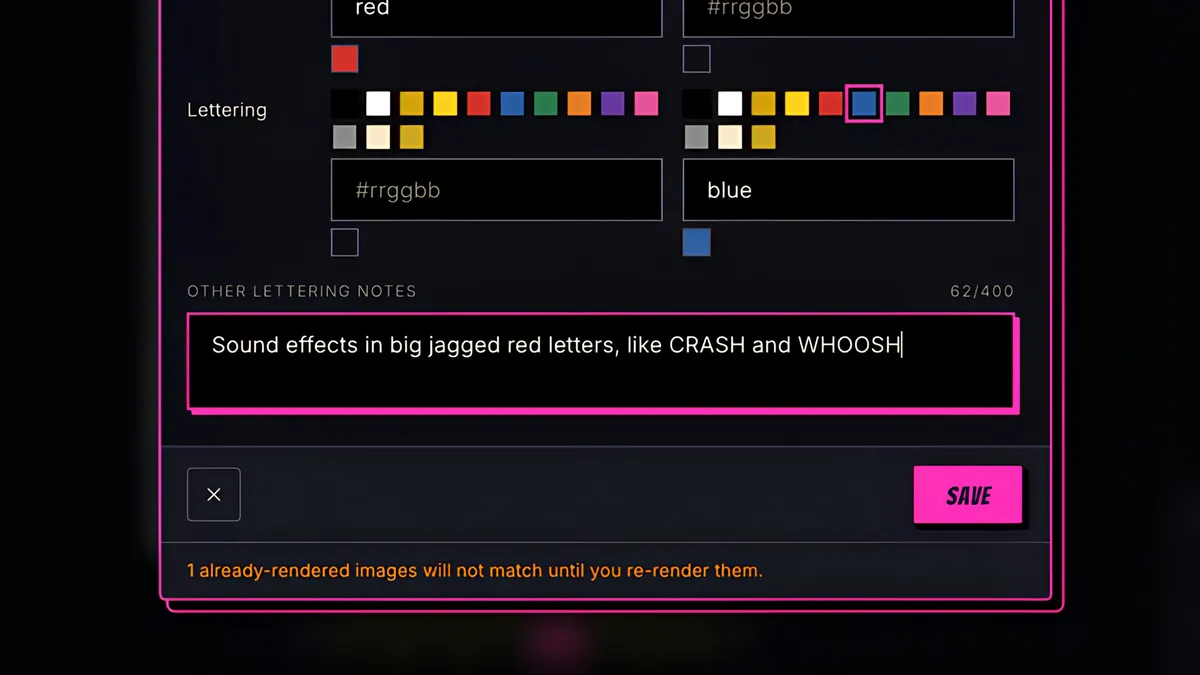
Add any other notes, like sound effects in big, jagged red letters.
- 7
Save, then regenerate the page.
- 8
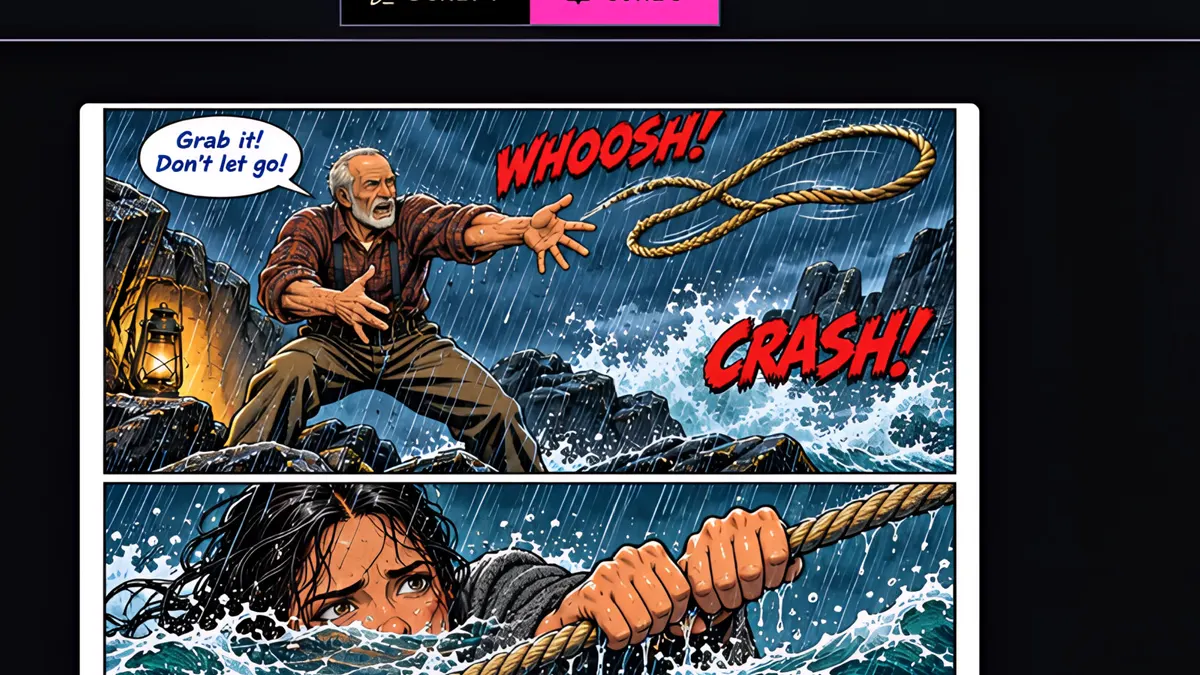
Sentence-case dialogue, and sound effects that go crash and whoosh.