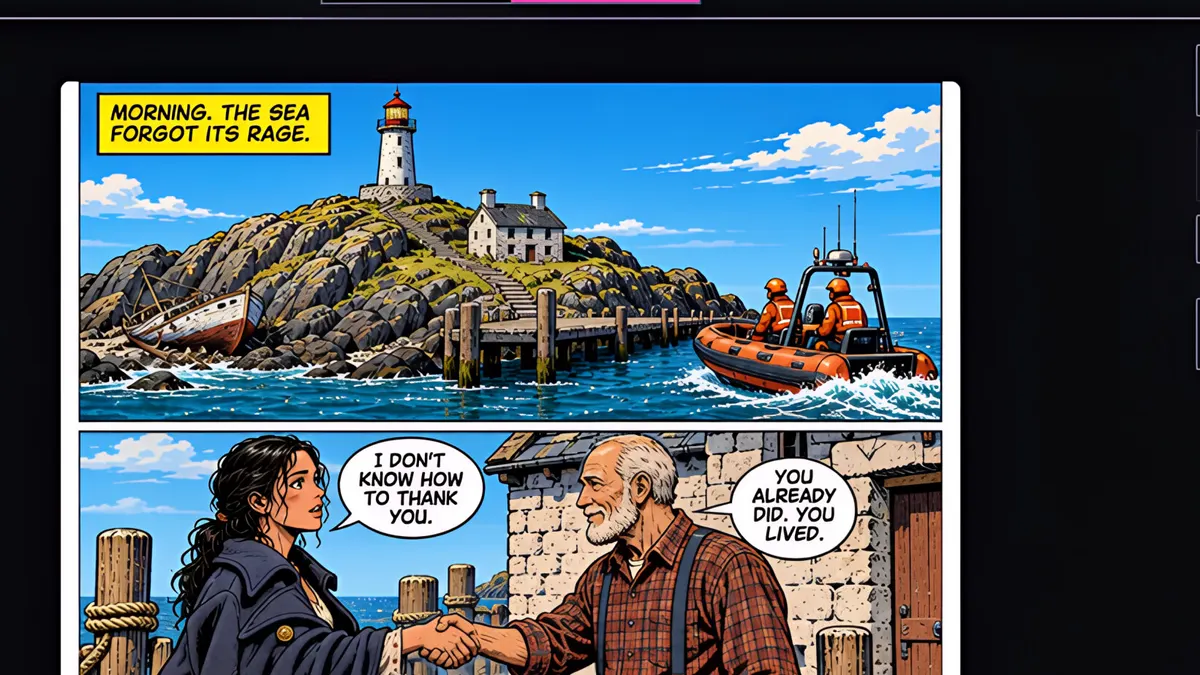
What you’ll learn
Switch to the Comic view, pick a page and press Generate Page; each page takes about a minute and is drawn from your script, character sheets and locations, with dialogue and captions lettered in. To draw the rest, use Generate All Pages from the Issue tab and confirm.
Step by step
- 1
Switch to the Comic view, pick a page, and press Generate Page. Each page is 50 credits.
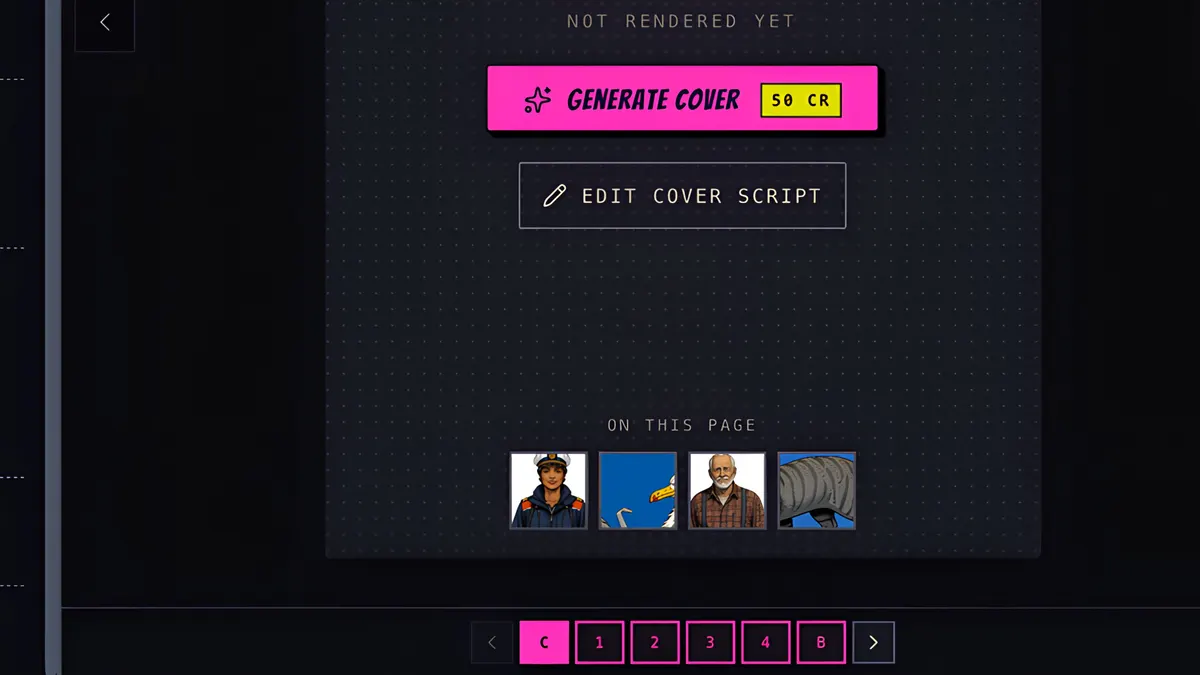
- 2
It takes about a minute. The page is drawn from your script, your characters' sheets and your locations.
- 3
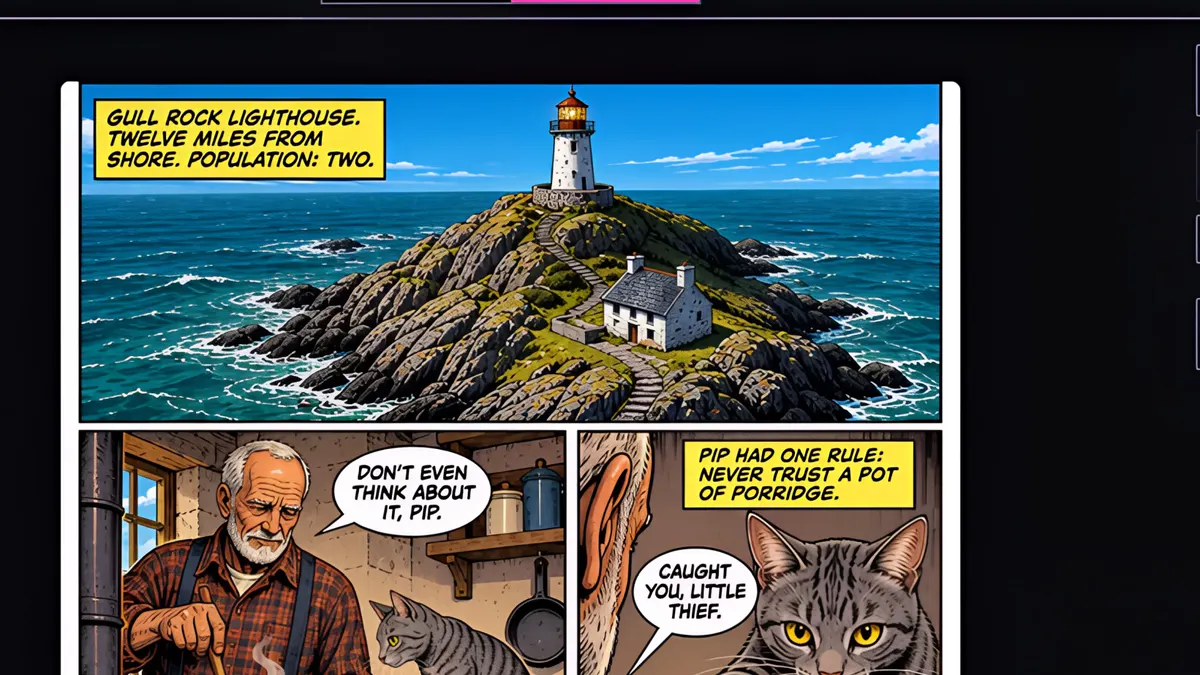
Here's page one, with the dialogue and captions lettered in.
- 4
To draw the rest, open the Issue tab and press Generate All Pages. You can review your reference images first.
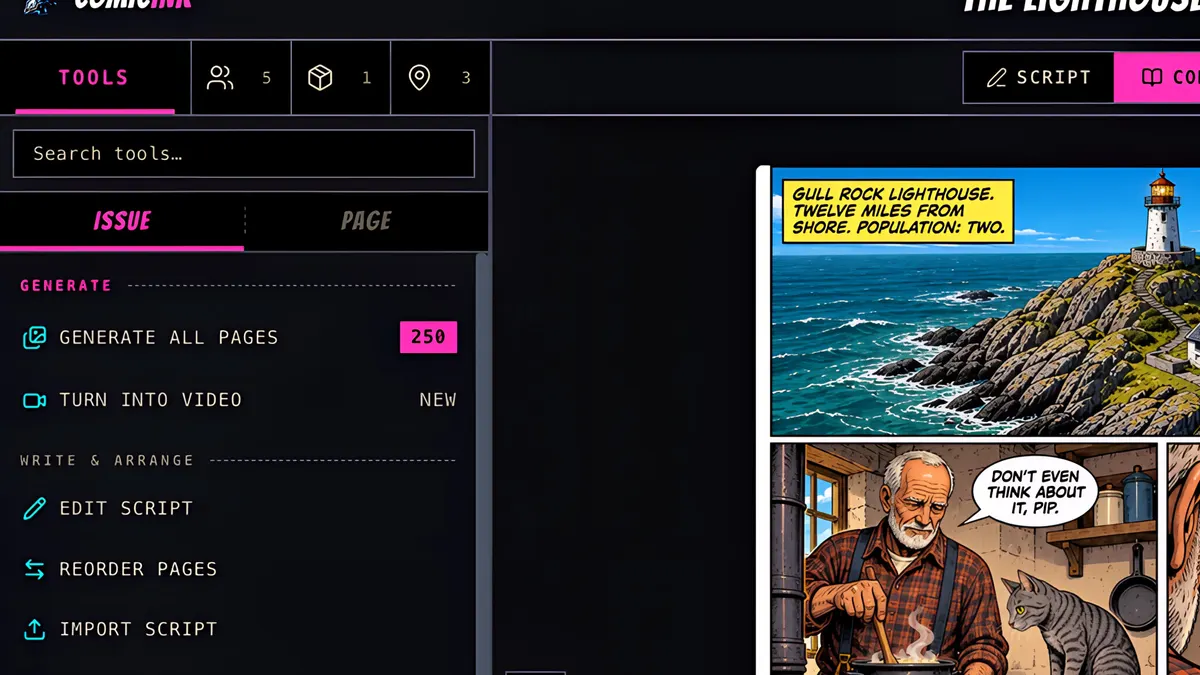
- 5
Then confirm.
- 6
The other pages render together, with a progress bar along the bottom.
- 7
Page two, page three, page four, with the same faces and places all the way through.